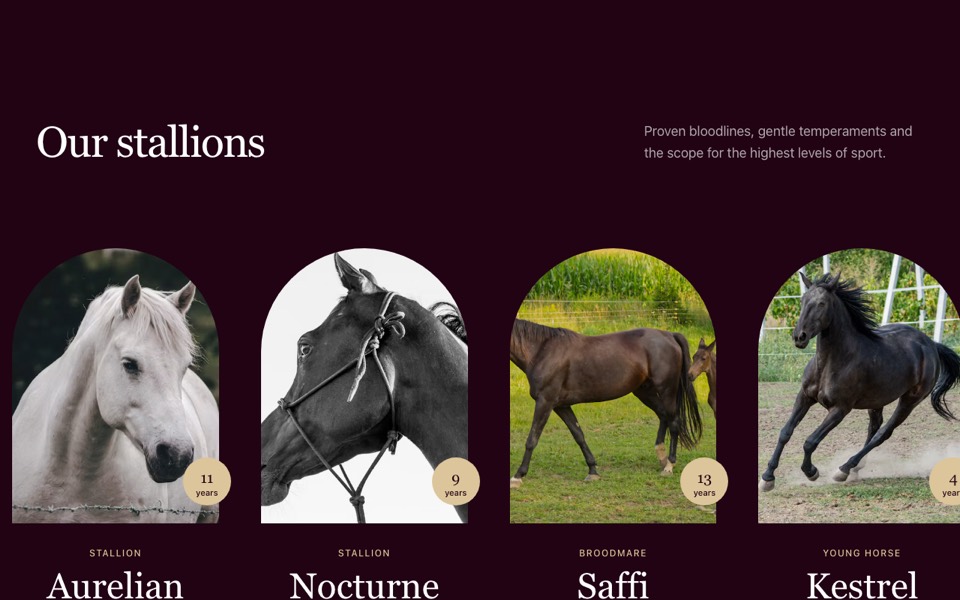
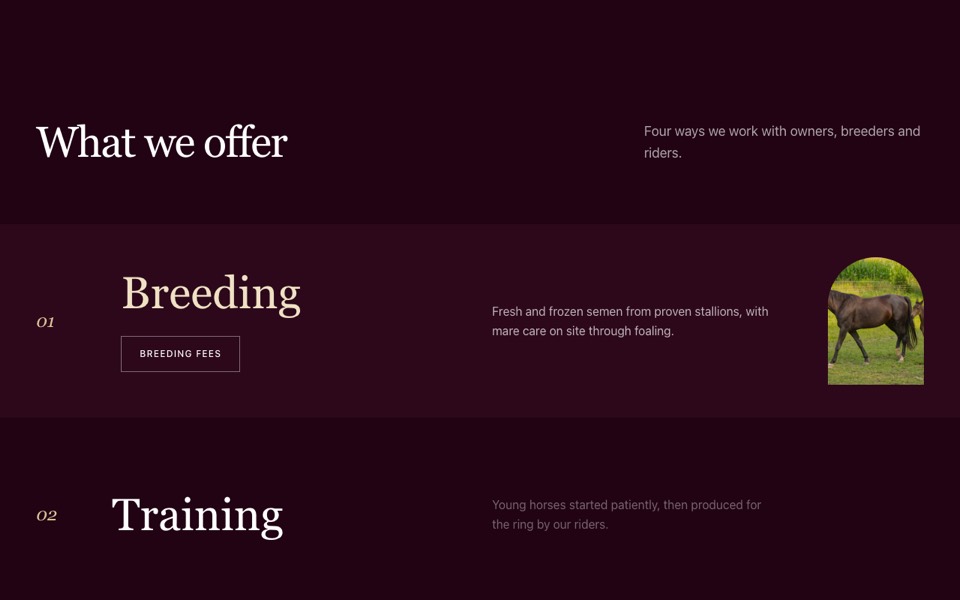
An events agenda with large dates whose photo trails the cursor in an arched frame on desktop, and cards on phones. React and Tailwind CSS.
EventsAgendaWithHoverPreview.tsx
"use client";

// Events agenda: large date, title, venue and type per row. On desktop the
// hovered event's photo trails the cursor in an arched frame; phones get cards.
// Pure Tailwind + React, no dependencies. Works with Tailwind v3 and v4.

import { useEffect, useRef, useState } from "react";

type Event = { day: string; month: string; year: string; title: string; dates: string; venue: string; kind: string; image: string; href?: string };

type Props = {
  heading?: string;
  events?: Event[];
};

const img = (id: string) => `https://images.unsplash.com/photo-${id}?w=700&q=80&auto=format&fit=crop`;

const DEFAULT_EVENTS: Event[] = [
  { day: "14", month: "Jun", year: "2026", title: "Summer Stallion Show", dates: "14 – 15 June", venue: "Orvaine Arena", kind: "Show", image: img("1559295928-6964f905e9c7") },
  { day: "03", month: "Jul", year: "2026", title: "Young Horse Auction", dates: "3 July, 6pm", venue: "The Long Barn", kind: "Auction", image: img("1602016992941-311664c0306c") },
  { day: "22", month: "Aug", year: "2026", title: "Grand Prix Weekend", dates: "22 – 24 August", venue: "Outdoor Ring", kind: "Competition", image: img("1695133994223-02698c56f100") },
  { day: "18", month: "Sep", year: "2026", title: "Open Stables Day", dates: "18 September", venue: "Main Yard", kind: "Open day", image: img("1613084188603-98b1f3ff2434") },
];

const Arrow = () => (
  <svg viewBox="0 0 24 24" fill="none" stroke="currentColor" strokeWidth={1.5} aria-hidden className="h-4 w-4">
    <path d="M7 17 17 7M8 7h9v9" />
  </svg>
);

export default function EventsAgenda({ heading = "Upcoming events", events = DEFAULT_EVENTS }: Props) {
  const card = useRef<HTMLDivElement>(null);
  const [active, setActive] = useState<number | null>(null);

  // The preview eases toward the pointer each frame
  useEffect(() => {
    const el = card.current;
    if (!el || !window.matchMedia("(hover: hover) and (min-width: 768px)").matches) return;
    let x = 0, y = 0, tx = 0, ty = 0, frame = 0;
    const move = (e: PointerEvent) => {
      tx = e.clientX + 24;
      ty = e.clientY - el.offsetHeight / 2;
    };
    const tick = () => {
      x += (tx - x) * 0.15;
      y += (ty - y) * 0.15;
      el.style.transform = `translate(${x}px, ${y}px)`;
      frame = requestAnimationFrame(tick);
    };
    window.addEventListener("pointermove", move);
    frame = requestAnimationFrame(tick);
    return () => {
      window.removeEventListener("pointermove", move);
      cancelAnimationFrame(frame);
    };
  }, []);

  return (
    <section className="mx-auto max-w-[100rem] bg-white px-4 py-28 font-['Hanken_Grotesk',ui-sans-serif,system-ui,sans-serif] text-[#1c0710] antialiased md:px-8 md:py-40 lg:px-12">
      <h2 className="font-['Fraunces',Georgia,'Times_New_Roman',serif] text-[clamp(2.25rem,4.5vw,4.75rem)] leading-none tracking-[-0.03em]">{heading}</h2>

      {/* Desktop agenda */}
      <div className="mt-14 hidden md:mt-20 md:block" onPointerLeave={() => setActive(null)}>
        {events.map((e, i) => (
          <a
            key={e.title}
            href={e.href ?? "#"}
            onPointerEnter={() => setActive(i)}
            className="group grid grid-cols-12 items-center gap-8 border-t border-[#1c0710]/10 py-10 transition-colors duration-700 last:border-b hover:bg-[#f6f4f1]"
          >
            <div className="col-span-2 flex items-baseline gap-3 pl-2 transition-transform duration-700 group-hover:translate-x-4">
              <span className="font-['Fraunces',Georgia,serif] text-6xl leading-none text-[#210313]">{e.day}</span>
              <span className="text-xs font-medium uppercase tracking-[0.1em] text-[#1c0710]/50">
                {e.month}
                <br />
                {e.year}
              </span>
            </div>
            <h3 className="col-span-5 font-['Fraunces',Georgia,serif] text-4xl transition-colors duration-500 group-hover:text-[#6e2444] lg:text-5xl">{e.title}</h3>
            <div className="col-span-3 text-sm text-[#1c0710]/60">
              <p>{e.dates}</p>
              <p className="mt-1">{e.venue}</p>
            </div>
            <div className="col-span-2 flex items-center justify-end gap-5 pr-2">
              <span className="hidden rounded-full border border-[#1c0710]/10 px-4 py-2 text-xs font-medium uppercase tracking-[0.1em] text-[#1c0710]/60 xl:inline">{e.kind}</span>
              <span className="grid h-12 w-12 shrink-0 place-items-center rounded-full border border-[#210313]/20 transition-colors duration-500 group-hover:border-[#210313] group-hover:bg-[#210313] group-hover:text-white">
                <Arrow />
              </span>
            </div>
          </a>
        ))}

        <div
          ref={card}
          aria-hidden
          className={`pointer-events-none fixed left-0 top-0 z-30 aspect-[3/4] w-64 overflow-hidden rounded-t-full transition-[opacity,scale] duration-500 lg:w-72 ${active === null ? "scale-75 opacity-0" : "scale-100 opacity-100"}`}
        >
          {events.map((e, i) => (
            <img key={e.title} src={e.image} alt="" className={`absolute inset-0 h-full w-full object-cover transition-opacity duration-500 ${active === i ? "opacity-100" : "opacity-0"}`} />
          ))}
        </div>
      </div>

      {/* Phones: photo cards */}
      <div className="mt-14 grid gap-14 sm:grid-cols-2 md:hidden">
        {events.map((e) => (
          <a key={e.title} href={e.href ?? "#"} className="block">
            <div className="aspect-[4/3] overflow-hidden">
              <img src={e.image} alt={e.title} loading="lazy" className="h-full w-full object-cover" />
            </div>
            <p className="mt-5 text-xs font-medium uppercase tracking-[0.1em] text-[#6e2444]">
              {e.dates} · {e.kind}
            </p>
            <h3 className="mt-2 font-['Fraunces',Georgia,serif] text-3xl">{e.title}</h3>
            <p className="mt-1 text-sm text-[#1c0710]/60">{e.venue}</p>
          </a>
        ))}
      </div>
    </section>
  );
}
How to use it
- Make sure your Next.js or React project has Tailwind CSS set up (v3 or v4 both work).
- Create
components/EventsAgendaWithHoverPreview.tsxand paste the code. - Import it into a page and replace the sample text and images with your own.