Features Creative
A full-bleed photo band with a dimmed overlay, a headline, button and two big stats. React and Tailwind CSS, no dependencies.
FeaturesCreative.tsx
// Full-bleed photo band with a dimmed overlay: headline and button on the left,
// two big stats on the right. Pure Tailwind, no dependencies. Works with Tailwind v3 and v4.
// Headings use Bricolage Grotesque if your site loads it (Google Fonts), otherwise the system sans.

type Stat = { value: string; text: string };

type Props = {
  heading?: string;
  text?: string;
  cta?: { label: string; href: string };
  stats?: Stat[];
  image?: string;
};

export default function FeaturesCreative({
  heading = "Building dreams, one home at a time",
  text = "From first-time buyers to growing families, we match people with homes they will love coming back to.",
  cta = { label: "Contact us", href: "#" },
  stats = [
    { value: "150+", text: "Properties sold in the last twelve months." },
    { value: "90", text: "Days on average from first call to keys in hand." },
  ],
  image = "https://images.unsplash.com/photo-1706164971302-e30c0640cc3b?w=2400&q=80&auto=format&fit=crop",
}: Props) {
  return (
    <section
      className="relative bg-black bg-cover bg-center px-5 pb-16 pt-40 font-['Manrope',ui-sans-serif,system-ui,sans-serif] text-white antialiased md:px-10 md:pt-64"
      style={{ backgroundImage: `url(${image})` }}
    >
      <div aria-hidden className="absolute inset-0 bg-black/50" />
      <div className="relative z-10 mx-auto grid max-w-7xl grid-cols-1 items-end gap-10 md:grid-cols-4">
        <div className="md:col-span-2">
          <h2 className="font-['Bricolage_Grotesque',ui-sans-serif,system-ui,sans-serif] text-[clamp(40px,6vw,80px)] font-semibold leading-[1.1]">{heading}</h2>
          <p className="py-4 text-xl text-white/85">{text}</p>
          <a href={cta.href} className="my-5 inline-block rounded-full bg-white px-8 py-3 font-semibold text-black transition-colors duration-300 hover:bg-black hover:text-white">
            {cta.label}
          </a>
        </div>
        {stats.map((s) => (
          <div key={s.value}>
            <p className="font-['Bricolage_Grotesque',ui-sans-serif,system-ui,sans-serif] text-[clamp(48px,6vw,80px)] font-semibold leading-none">{s.value}</p>
            <p className="py-4 text-white/85">{s.text}</p>
          </div>
        ))}
      </div>
    </section>
  );
}
How to use it
- Make sure your Next.js or React project has Tailwind CSS set up.
- Create
components/FeaturesCreative.tsxand paste the code. - Import it into a page and replace the placeholder text and images with your own.
More free components
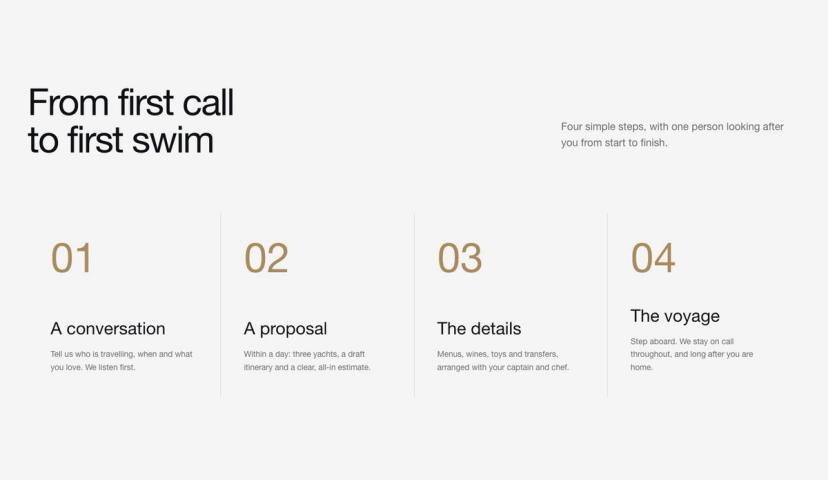
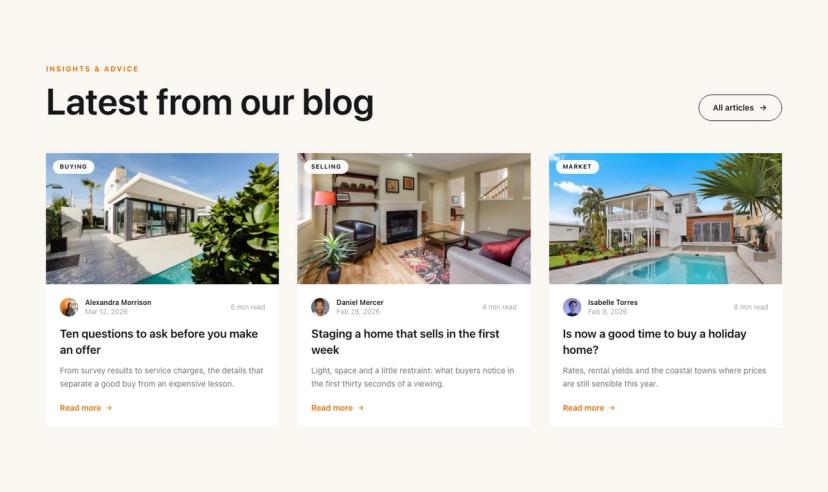
All features →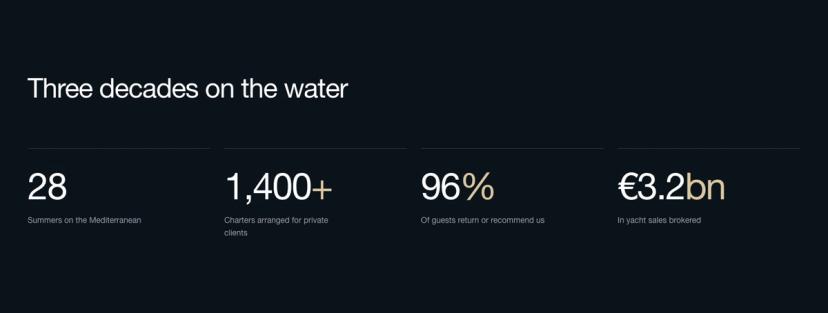

Ready for a faster site that's easier to edit?
Book a free 30-minute call. We'll review your current site and send a fixed-price plan. No pressure, no pitch.
Book Free Call No commitment required