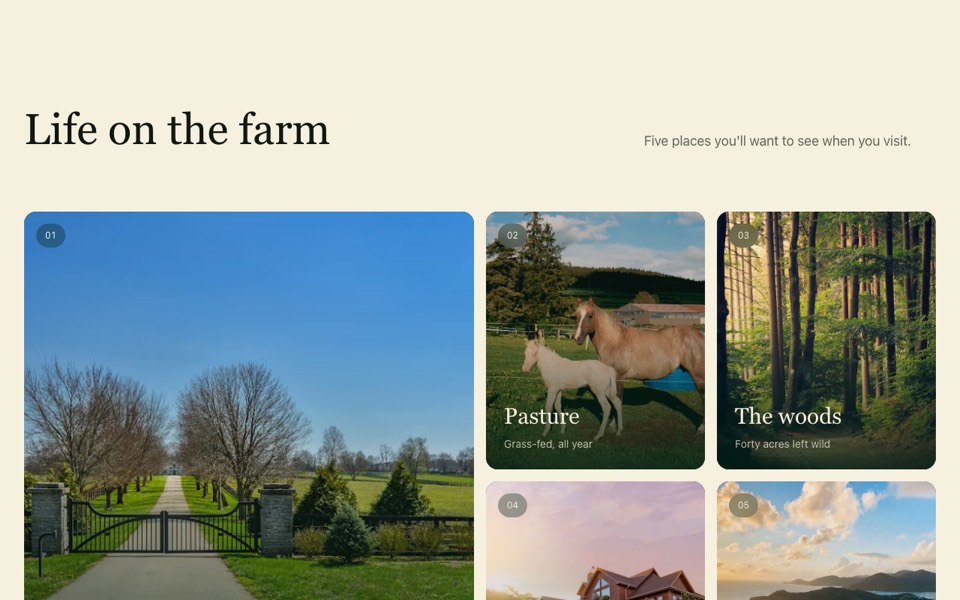
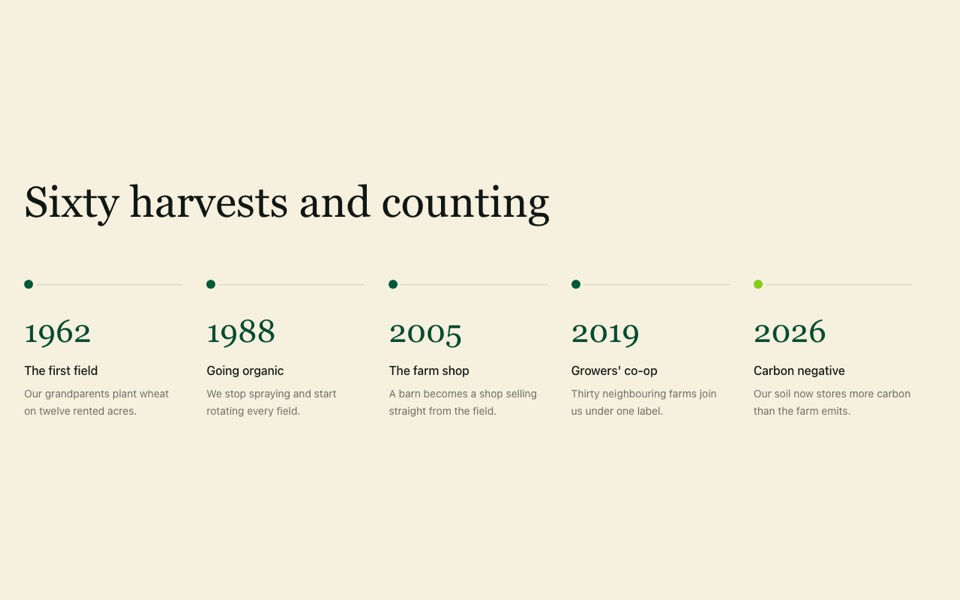
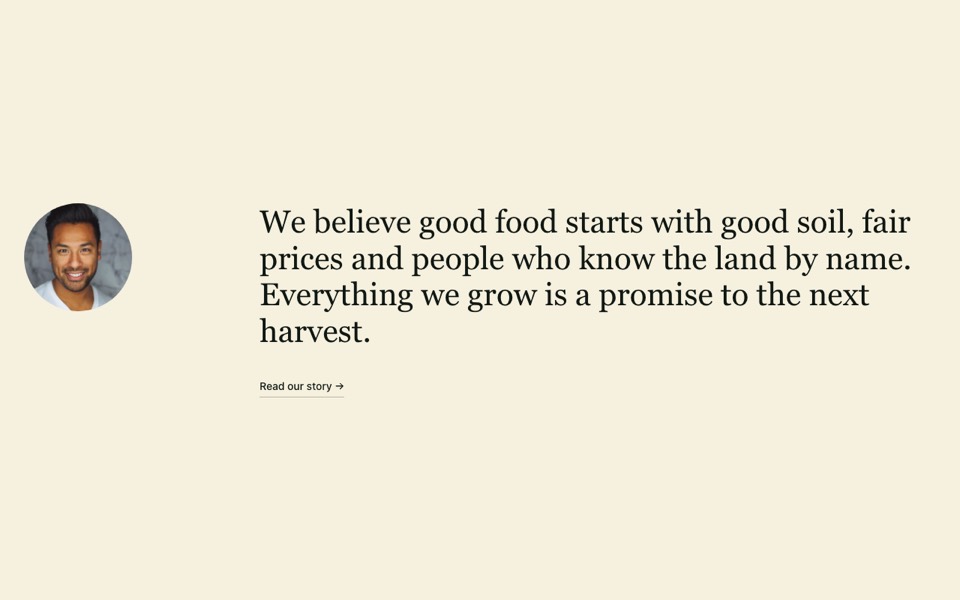
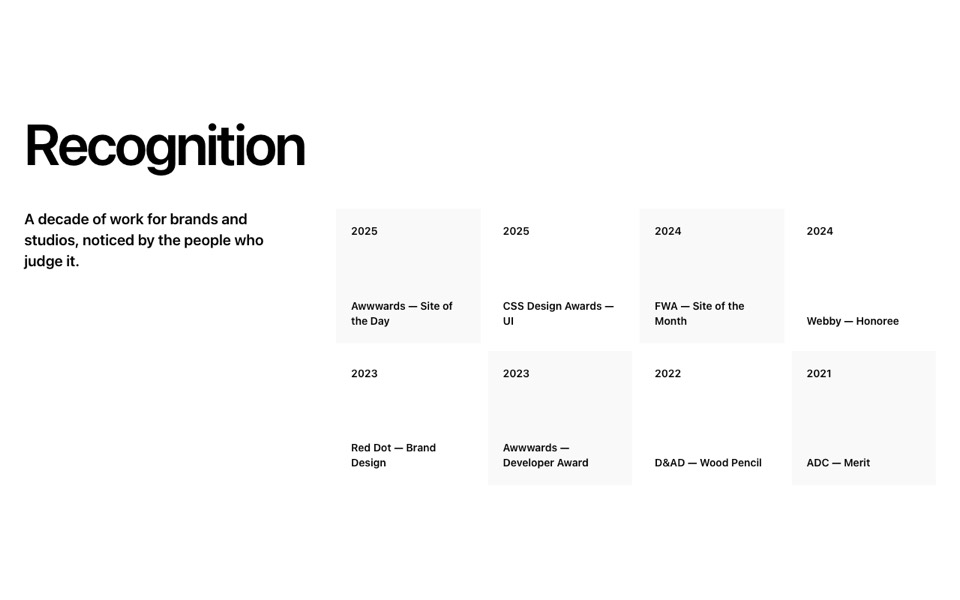
Feature rows that alternate a rounded portrait photo with a serif heading, body text and link. React and Tailwind CSS, no dependencies.
AlternatingFeatureRows.tsx
// Alternating feature rows: rounded portrait photo beside a serif heading,
// body and link, flipping sides on every other row.
// Pure Tailwind, no dependencies. Works with Tailwind v3 and v4.

type Row = { heading: string; body: string; link?: { label: string; href: string }; image: string; imageAlt: string };

type Props = {
  heading?: string;
  rows?: Row[];
};

const img = (id: string) => `https://images.unsplash.com/photo-${id}?w=1200&q=80&auto=format&fit=crop`;

const DEFAULT_ROWS: Row[] = [
  { heading: "Soil first, always", body: "Cover crops, compost and rest. Healthy soil holds water, feeds the plants and keeps the farm going for the next generation.", link: { label: "How we farm", href: "#" }, image: img("1774533566123-faecfb3020eb"), imageAlt: "Tree-lined country road" },
  { heading: "Animals with room to roam", body: "Our herd grazes on open pasture year-round and moves to fresh grass every few days, the way it should be.", link: { label: "Meet the herd", href: "#" }, image: img("1784807650061-70f963106154"), imageAlt: "Mare and foal in a green paddock" },
  { heading: "A farmhouse that welcomes you", body: "Come for the Saturday market, stay for lunch. Everything on the table was grown within a mile of it.", link: { label: "Plan a visit", href: "#" }, image: img("1558036117-15d82a90b9b1"), imageAlt: "Farmhouse at sunset" },
];

export default function AlternatingRows({ heading = "How we grow", rows = DEFAULT_ROWS }: Props) {
  return (
    <section className="bg-[#f6f0de] px-4 py-24 font-['Geist',ui-sans-serif,system-ui,sans-serif] text-[#0f1712] antialiased md:px-8 md:py-36">
      <div className="mx-auto max-w-7xl">
        <h2 className="mb-16 text-center font-['Newsreader',Georgia,serif] text-[clamp(2.25rem,4.5vw,4.5rem)] leading-none md:mb-28">{heading}</h2>

        <div className="space-y-20 md:space-y-36">
          {rows.map((row, i) => {
            const flip = i % 2 === 1;
            return (
              <article key={row.heading} className="grid items-center gap-10 md:grid-cols-12 md:gap-6">
                <div className={`md:col-span-6 ${flip ? "md:order-2 md:col-start-7" : ""}`}>
                  <div className="aspect-[4/5] overflow-hidden rounded-2xl md:rounded-3xl">
                    <img src={row.image} alt={row.imageAlt} loading="lazy" className="h-full w-full object-cover" />
                  </div>
                </div>
                <div className={`md:col-span-5 ${flip ? "md:order-1 md:col-start-1 md:pr-6" : "md:col-start-8"}`}>
                  <h3 className="font-['Newsreader',Georgia,serif] text-[clamp(1.875rem,3.3vw,3.25rem)] leading-[1.05] text-[#024b2f]">{row.heading}</h3>
                  <p className="mt-6 max-w-md text-base leading-relaxed text-[#0f1712]/65 md:text-lg">{row.body}</p>
                  {row.link && (
                    <a href={row.link.href} className="mt-8 inline-flex items-center gap-2 border-b border-[#0f1712]/30 pb-1 text-sm font-medium transition-colors hover:border-[#0f1712]">
                      {row.link.label} →
                    </a>
                  )}
                </div>
              </article>
            );
          })}
        </div>
      </div>
    </section>
  );
}
How to use it
- Make sure your Next.js or React project has Tailwind CSS set up (v3 or v4 both work).
- Create
components/AlternatingFeatureRows.tsxand paste the code. - Import it into a page and replace the sample text and images with your own.