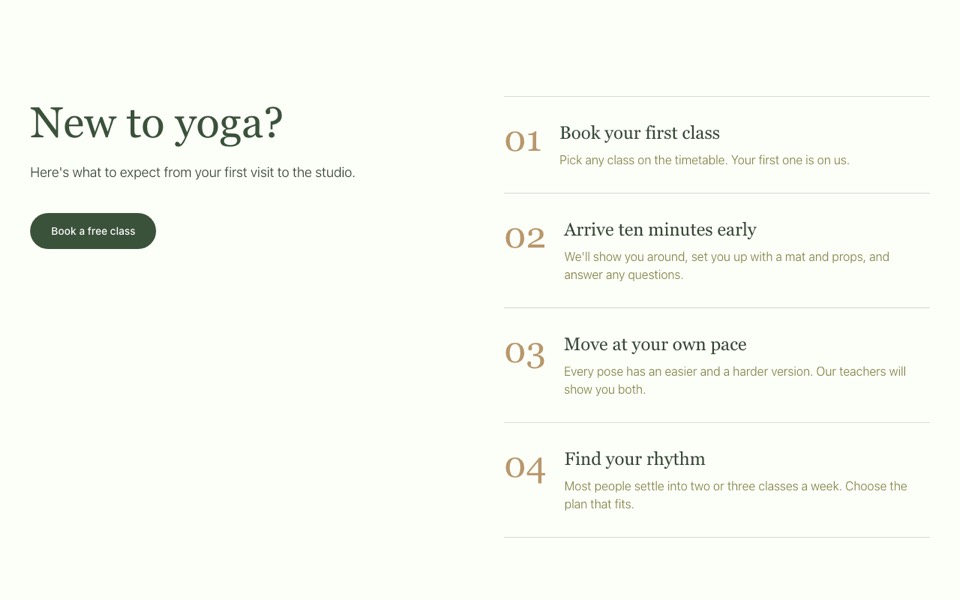
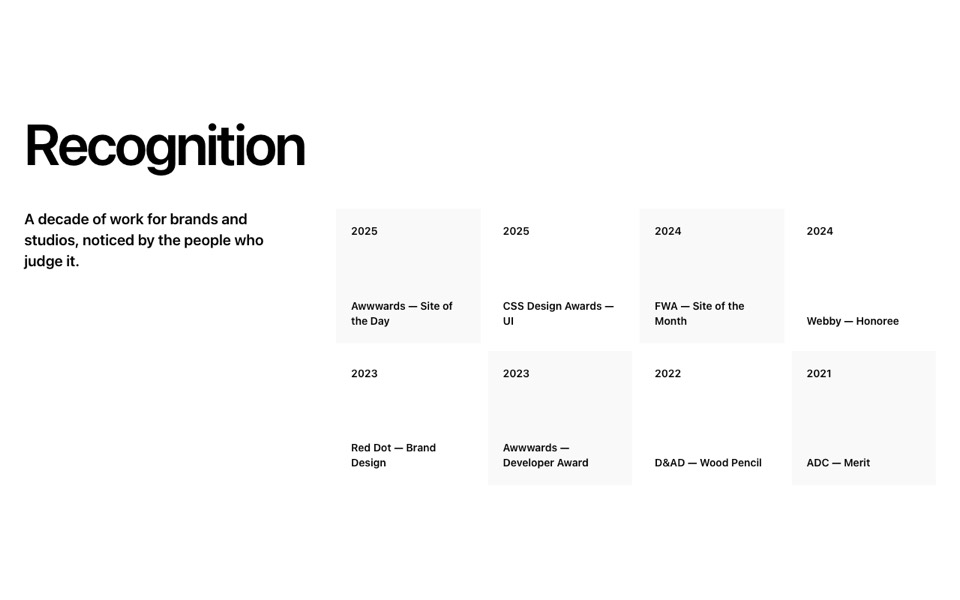
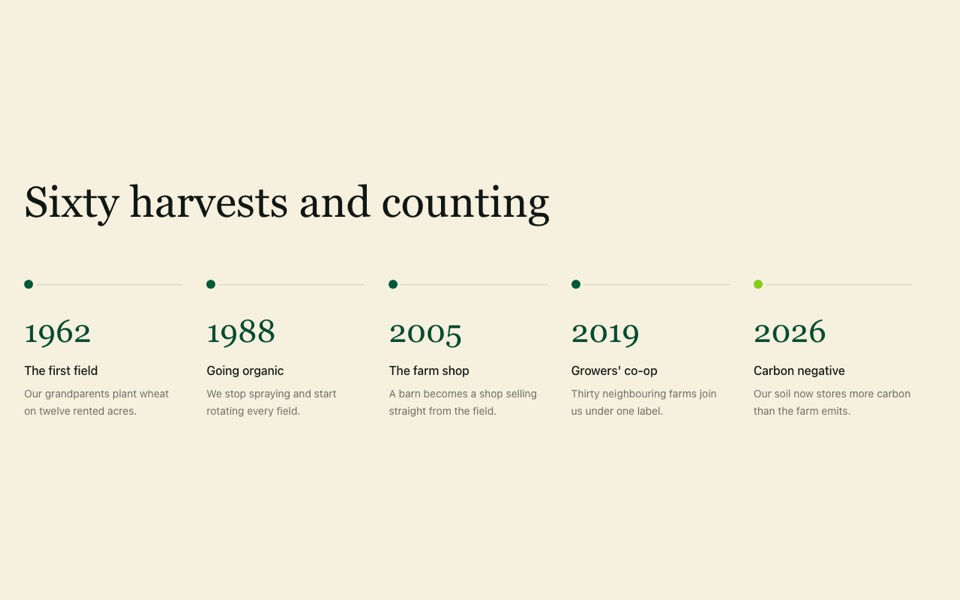
A class timetable with instructor photos, level badges, times and days; rows tint and slide on hover and stack on phones. React and Tailwind CSS.
ClassTimetable.tsx
// Class timetable: one row per class with instructor photo, level badge,
// times and days; rows tint and slide on hover. Stacks neatly on phones.
// Pure Tailwind, no dependencies. Works with Tailwind v3 and v4.

type ClassRow = { name: string; level?: string; instructor: string; photo: string; times: string[]; days: string[] };

type Props = {
  heading?: string;
  intro?: string;
  rows?: ClassRow[];
};

const face = (id: string) => `https://images.unsplash.com/photo-${id}?w=200&h=200&q=80&auto=format&fit=crop&crop=faces`;

const DEFAULT_ROWS: ClassRow[] = [
  { name: "Vinyasa Flow", level: "All levels", instructor: "With Maya Lin", photo: face("1508214751196-bcfd4ca60f91"), times: ["07:00 – 08:00", "18:30 – 19:30"], days: ["Monday", "Wednesday", "Friday"] },
  { name: "Yin & Restore", level: "Beginner", instructor: "With Clara Ruiz", photo: face("1544005313-94ddf0286df2"), times: ["19:45 – 21:00"], days: ["Tuesday", "Thursday"] },
  { name: "Power Yoga", level: "Advanced", instructor: "With Noah Kim", photo: face("1539571696357-5a69c17a67c6"), times: ["12:15 – 13:00"], days: ["Monday", "Thursday"] },
  { name: "Breath & Meditation", instructor: "With Aisha Bell", photo: face("1580489944761-15a19d654956"), times: ["08:30 – 09:15"], days: ["Saturday", "Sunday"] },
];

export default function ClassTimetable({
  heading = "Weekly timetable",
  intro = "Drop in to any class, or book a block of ten and save.",
  rows = DEFAULT_ROWS,
}: Props) {
  return (
    <section className="bg-[#fcfef8] px-5 py-20 font-['Inter',ui-sans-serif,system-ui,sans-serif] text-[#344634] antialiased md:px-10 md:py-32">
      <div className="mx-auto max-w-7xl">
        <div className="mb-14">
          <h2 className="font-['Playfair_Display',Georgia,serif] text-[clamp(2.25rem,4.5vw,4rem)] leading-tight text-[#3a513a]">{heading}</h2>
          <p className="mt-4 max-w-xl text-lg font-light">{intro}</p>
        </div>

        <div aria-hidden className="hidden grid-cols-3 gap-8 border-b border-[#3a513a]/40 pb-4 font-medium uppercase md:grid">
          <span>Class</span>
          <span className="text-center">Time</span>
          <span>Day</span>
        </div>

        <ul>
          {rows.map((row) => (
            <li key={row.name} className="group grid gap-6 border-b border-[#3a513a]/40 py-10 transition-colors duration-500 hover:bg-[#c3d4c3]/20 md:grid-cols-3 md:gap-8 md:py-12">
              <div className="flex items-center gap-4 transition-transform duration-500 md:group-hover:translate-x-3">
                <div className="h-20 w-20 shrink-0 overflow-hidden rounded-full">
                  <img src={row.photo} alt={row.instructor} loading="lazy" className="h-full w-full object-cover transition-transform duration-700 group-hover:scale-110" />
                </div>
                <div>
                  <h3 className="flex flex-wrap items-center gap-x-3 gap-y-1 text-xl font-medium uppercase">
                    {row.name}
                    {row.level && <span className="rounded-full border border-[#b8976a]/60 px-2.5 py-0.5 text-xs font-medium normal-case tracking-wider text-[#b8976a]">{row.level}</span>}
                  </h3>
                  <p className="mt-1 font-light">{row.instructor}</p>
                </div>
              </div>
              <div className="grid grid-cols-2 gap-4 md:contents">
                <div className="md:flex md:justify-center">
                  <p className="mb-1 text-sm font-medium uppercase md:hidden">Time</p>
                  <ul className="font-light leading-[1.875rem]">
                    {row.times.map((t) => (
                      <li key={t}>{t}</li>
                    ))}
                  </ul>
                </div>
                <div>
                  <p className="mb-1 text-sm font-medium uppercase md:hidden">Day</p>
                  <ul className="font-light leading-[1.875rem]">
                    {row.days.map((d) => (
                      <li key={d}>{d}</li>
                    ))}
                  </ul>
                </div>
              </div>
            </li>
          ))}
        </ul>
      </div>
    </section>
  );
}
How to use it
- Make sure your Next.js or React project has Tailwind CSS set up (v3 or v4 both work).
- Create
components/ClassTimetable.tsxand paste the code. - Import it into a page and replace the sample text and images with your own.