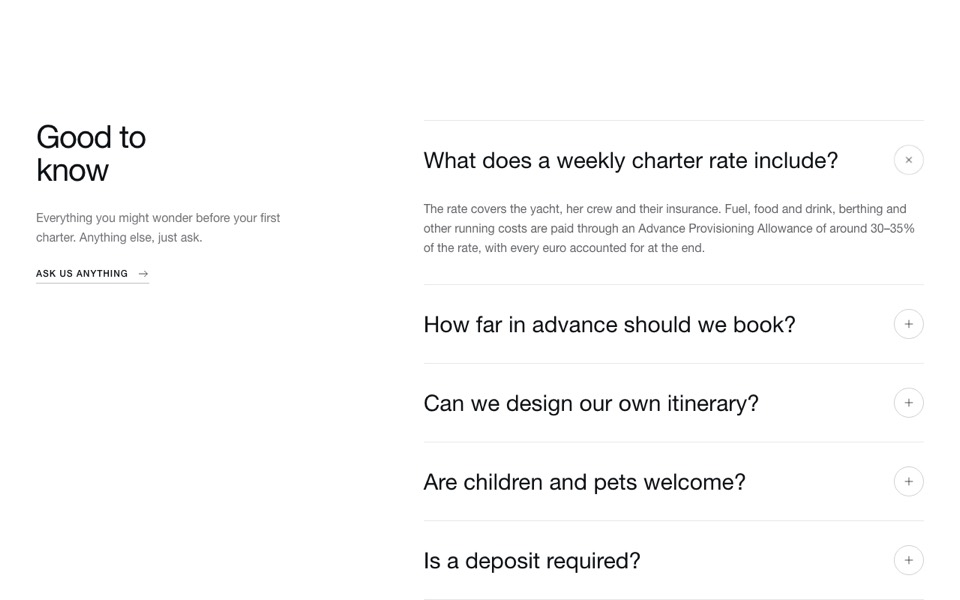
A job list built on native details rows with department, location and type, and an apply button inside. Tailwind CSS, no JavaScript.
CareersAccordion.tsx
// Careers list: each job is a native <details> row with department, location
// and type; the plus turns into a yellow × when open. No JavaScript.
// Pure Tailwind, no dependencies. Works with Tailwind v3 and v4.

type Job = { title: string; department: string; location: string; type: string; summary: string; applyHref?: string };

type Props = {
  eyebrow?: string;
  heading?: string;
  intro?: string;
  jobs?: Job[];
};

const DEFAULT_JOBS: Job[] = [
  { title: "Solar Installer", department: "Installations", location: "Austin, TX", type: "Full-time", summary: "Install residential systems with a crew of three. We'll train you on our kit and pay for your certification." },
  { title: "Energy Advisor", department: "Sales", location: "Remote", type: "Full-time", summary: "Help homeowners size the right system. No hard selling: honest numbers and clear advice." },
  { title: "Electrical Engineer", department: "Engineering", location: "Austin, TX", type: "Full-time", summary: "Design systems and battery layouts, sign off installs and improve our standard kits." },
  { title: "Customer Success Lead", department: "Support", location: "Hybrid", type: "Part-time", summary: "Look after customers from install day onwards, and turn their feedback into improvements." },
];

const Pin = () => (
  <svg viewBox="0 0 24 24" fill="none" stroke="currentColor" strokeWidth={2} strokeLinecap="round" strokeLinejoin="round" aria-hidden className="h-3.5 w-3.5">
    <path d="M12 21s-7-6.2-7-11.5A7 7 0 0 1 19 9.5C19 14.8 12 21 12 21zM12 12a2.5 2.5 0 1 0 0-5 2.5 2.5 0 0 0 0 5z" />
  </svg>
);

export default function CareersAccordion({
  eyebrow = "Careers",
  heading = "Join the team",
  intro = "We're growing fast and hiring people who care about doing the job properly.",
  jobs = DEFAULT_JOBS,
}: Props) {
  return (
    <section className="bg-white px-5 py-24 font-['Manrope',ui-sans-serif,system-ui,sans-serif] text-[#252926] antialiased md:px-10 md:py-36">
      <div className="mx-auto mb-12 max-w-2xl text-center">
        <p className="mb-5 inline-block rounded-full bg-[#e5f4e5] px-4 py-1.5 text-sm font-semibold text-[#0f4729]">{eyebrow}</p>
        <h2 className="font-['Bricolage_Grotesque',ui-sans-serif,system-ui,sans-serif] text-[clamp(2.25rem,4.5vw,3.75rem)] font-semibold leading-[1.05] text-black">{heading}</h2>
        <p className="mt-5 text-lg text-[#494949]">{intro}</p>
      </div>

      <div className="mx-auto max-w-4xl space-y-2.5">
        {jobs.map((job) => (
          <details key={job.title} className="group rounded-3xl border border-[#e3e8e3] bg-white transition-colors open:bg-[#f3f5f3]">
            <summary className="flex cursor-pointer list-none items-center gap-6 p-6 md:p-8 [&::-webkit-details-marker]:hidden">
              <div className="flex-1">
                <h3 className="text-xl font-semibold md:text-2xl">{job.title}</h3>
                <p className="mt-2 flex flex-wrap gap-x-4 gap-y-1 text-sm font-medium text-[#494949]">
                  <span className="text-[#1e9e50]">{job.department}</span>
                  <span className="inline-flex items-center gap-1.5">
                    <Pin />
                    {job.location}
                  </span>
                  <span>{job.type}</span>
                </p>
              </div>
              <span className="grid h-11 w-11 shrink-0 place-items-center rounded-full bg-[#052625] text-white transition duration-300 group-open:rotate-45 group-open:bg-[#ffe500] group-open:text-[#0f4729]">
                <svg viewBox="0 0 24 24" fill="none" stroke="currentColor" strokeWidth={2.5} strokeLinecap="round" aria-hidden className="h-4 w-4">
                  <path d="M12 5v14M5 12h14" />
                </svg>
              </span>
            </summary>
            <div className="px-6 pb-8 md:px-8">
              <p className="max-w-2xl leading-relaxed text-[#494949]">{job.summary}</p>
              <a href={job.applyHref ?? "#"} className="mt-6 inline-block rounded-full bg-[#ffe500] px-6 py-3 text-sm font-bold text-[#0f4729] transition-colors hover:bg-[#f0d400]">
                Apply now
              </a>
            </div>
          </details>
        ))}
      </div>
    </section>
  );
}
How to use it
- Make sure your Next.js or React project has Tailwind CSS set up (v3 or v4 both work).
- Create
components/CareersAccordion.tsxand paste the code. - Import it into a page and replace the sample text and images with your own.