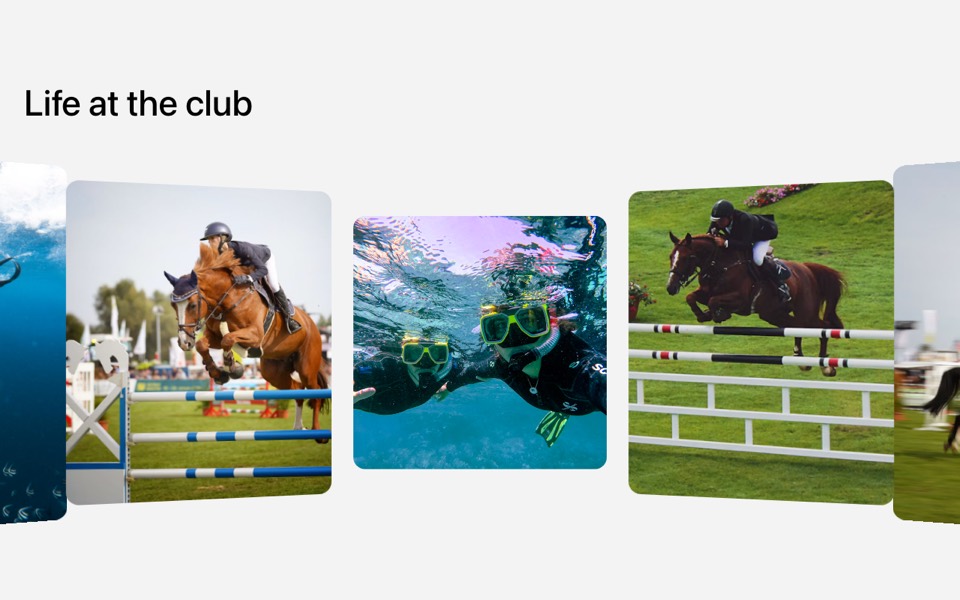
A big statement with four photos that fan out into a hand of cards as you scroll. React and Tailwind CSS, no animation library.
FannedPhotoStatement.tsx
"use client";

// A big statement followed by four photos that start upright and low, then
// fan out into a hand of cards as you scroll the section into view.
// Pure Tailwind + React, no animation library. Works with Tailwind v3 and v4.

import { useEffect, useRef, useState } from "react";

type Props = {
  statement?: string;
  highlight?: string;
  images?: { src: string; alt: string }[];
};

const img = (id: string) => `https://images.unsplash.com/photo-${id}?w=700&q=80&auto=format&fit=crop&crop=faces`;

const DEFAULT_IMAGES = [
  { src: img("1756466167834-a1c231fb4c23"), alt: "Portrait" },
  { src: img("1611451444023-7fe9d86fe1d0"), alt: "Portrait" },
  { src: img("1531123897727-8f129e1688ce"), alt: "Portrait" },
  { src: img("1573496359142-b8d87734a5a2"), alt: "Portrait" },
];

// Card centres (% of the fan box) and final rotation, phone then desktop
const FAN = [
  { l: "16%", t: "88%", mdL: "33.9%", mdT: "102%", rotate: -45 },
  { l: "41%", t: "60%", mdL: "55.5%", mdT: "64.8%", rotate: -30 },
  { l: "67%", t: "40%", mdL: "79.8%", mdT: "41%", rotate: -15 },
  { l: "94%", t: "30%", mdL: "104.9%", mdT: "33.3%", rotate: 0 },
];

export default function FannedPhotoStatement({
  statement = "We're an independent studio making brands, websites and campaigns for people who",
  highlight = "refuse to blend in.",
  images = DEFAULT_IMAGES,
}: Props) {
  const fan = useRef<HTMLDivElement>(null);
  const [p, setP] = useState(1);

  useEffect(() => {
    const el = fan.current;
    if (!el || window.matchMedia("(prefers-reduced-motion: reduce)").matches) return;
    const update = () => {
      const rect = el.getBoundingClientRect();
      const vh = window.innerHeight;
      // 0 when the fan's top reaches the bottom of the screen, 1 when its centre is at 55%
      const start = vh;
      const end = vh * 0.55 - rect.height / 2;
      setP(Math.min(1, Math.max(0, (start - rect.top) / (start - end))));
    };
    update();
    window.addEventListener("scroll", update, { passive: true });
    window.addEventListener("resize", update);
    return () => {
      window.removeEventListener("scroll", update);
      window.removeEventListener("resize", update);
    };
  }, []);

  return (
    <section className="relative overflow-hidden bg-white pt-20 font-['Inter',ui-sans-serif,system-ui,sans-serif] text-black antialiased md:pt-24">
      <div className="mx-auto max-w-7xl px-4 md:px-8">
        <p className="max-w-[52rem] font-['Anton',Impact,sans-serif] text-[clamp(2.25rem,5vw,4.5rem)] uppercase leading-[1.05]">
          {statement} <span className="text-[#0b41ff]">{highlight}</span>
        </p>
      </div>

      <div ref={fan} className="relative aspect-[5/4] md:-mt-10 md:aspect-[1440/600]">
        {images.slice(0, FAN.length).map((image, i) => {
          const f = FAN[i];
          const lift = (1 - p) * (30 + i * 10);
          return (
            <div
              key={image.src}
              className="absolute left-[var(--l)] top-[var(--t)] aspect-[260/329] w-[34%] overflow-hidden md:left-[var(--md-l)] md:top-[var(--md-t)] md:w-[18%]"
              style={
                {
                  "--l": f.l,
                  "--t": f.t,
                  "--md-l": f.mdL,
                  "--md-t": f.mdT,
                  transform: `translate(-50%, -50%) rotate(${f.rotate * p}deg) translateY(${lift}%)`,
                } as React.CSSProperties
              }
            >
              <img src={image.src} alt={image.alt} loading="lazy" className="h-full w-full object-cover" />
            </div>
          );
        })}
      </div>
    </section>
  );
}
How to use it
- Make sure your Next.js or React project has Tailwind CSS set up (v3 or v4 both work).
- Create
components/FannedPhotoStatement.tsxand paste the code. - Import it into a page and replace the sample text and images with your own.