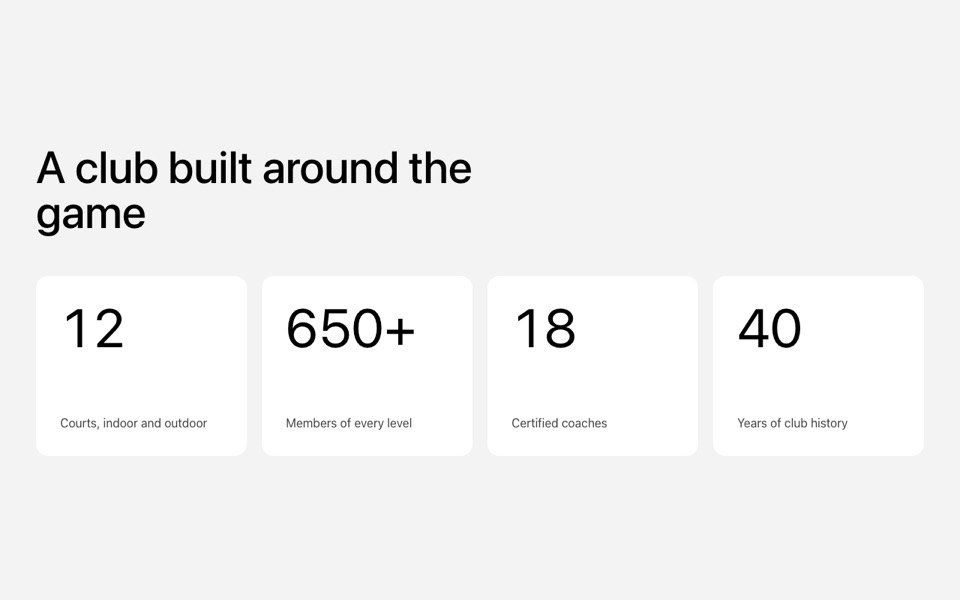
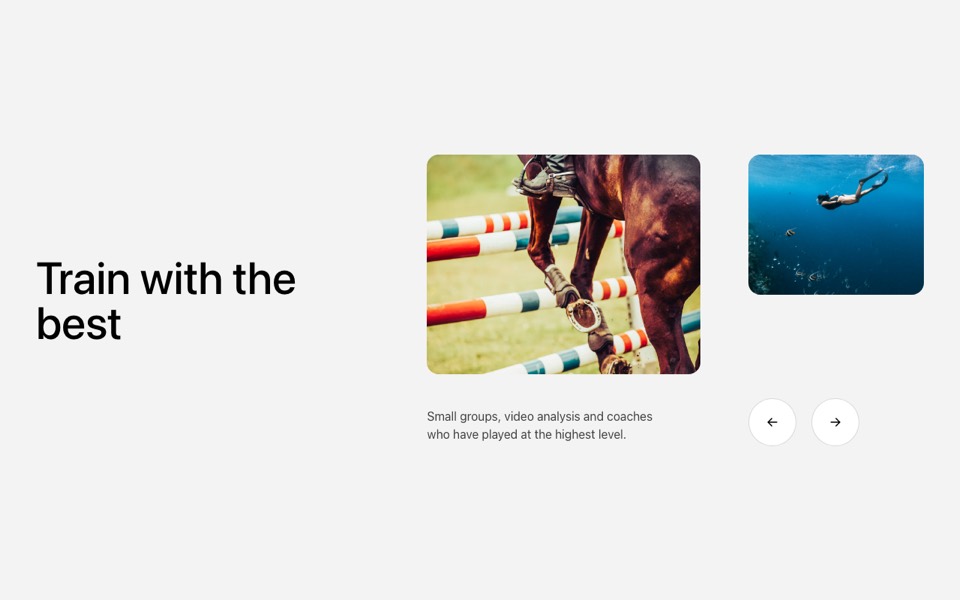
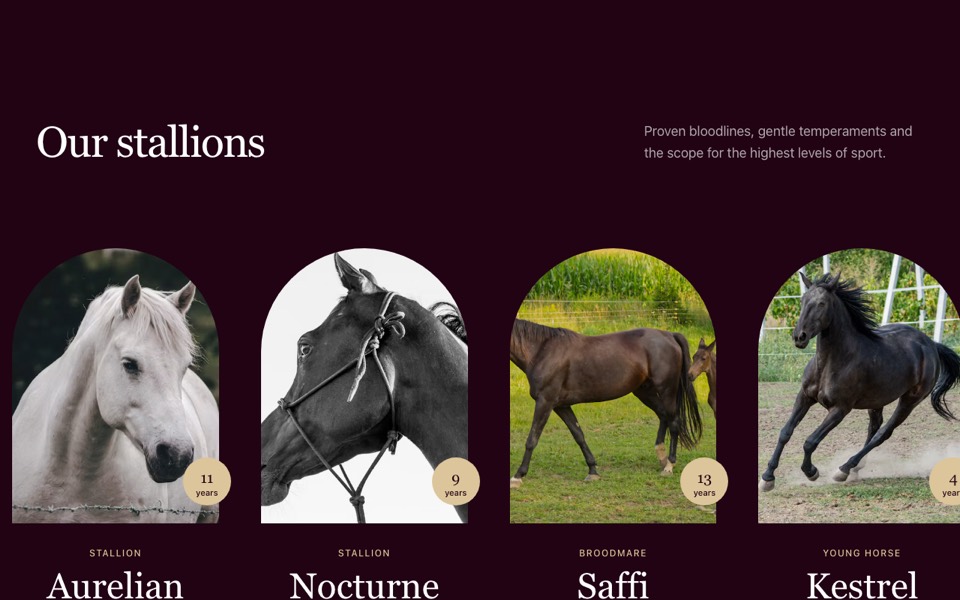
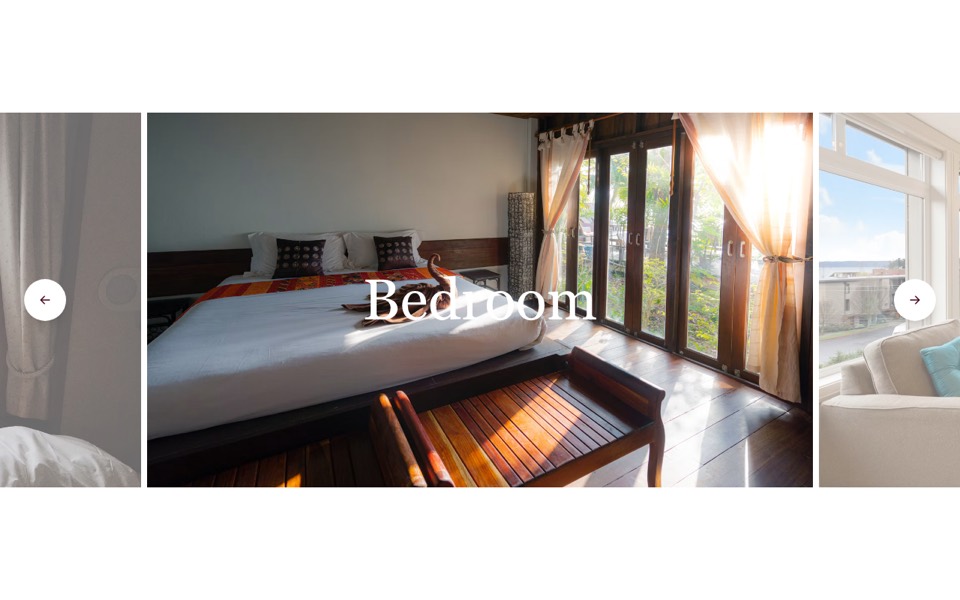
A 3D curved carousel where cards grow and turn away from the centre, wrapping around with autoplay, keys and swipe. React and Tailwind CSS.
Curved3DCarousel.tsx
"use client";

// 3D curved carousel: cards grow and turn away the further they sit from the
// centre, the row wraps around, it autoplays (pausing on hover), and you can
// click a card, use the arrow keys or swipe.
// Pure Tailwind + React, no carousel library. Works with Tailwind v3 and v4.

import { useEffect, useRef, useState } from "react";

type Props = {
  heading?: string;
  images?: { src: string; alt: string }[];
  interval?: number;
};

const img = (id: string) => `https://images.unsplash.com/photo-${id}?w=900&q=80&auto=format&fit=crop`;

const DEFAULT_IMAGES = [
  { src: img("1574695272842-52dfdb7989d0"), alt: "Show jumping" },
  { src: img("1658298208155-ab71765747a1"), alt: "Free diver underwater" },
  { src: img("1695133996129-017af80651fc"), alt: "Horse clearing a fence" },
  { src: img("1664922114319-4700c0ef74b1"), alt: "Snorkelling over a reef" },
  { src: img("1559295928-6964f905e9c7"), alt: "Rider at a competition" },
  { src: img("1695133994223-02698c56f100"), alt: "Grand prix jump" },
  { src: img("1602016992941-311664c0306c"), alt: "Training in the arena" },
];

// Per distance from the centre: card height (% of the row) and how far it turns away
const SHAPES = [
  { height: 68, rotate: 0 },
  { height: 84, rotate: 16 },
  { height: 100, rotate: 24 },
];

export default function CurvedCarousel({ heading = "Life at the club", images = DEFAULT_IMAGES, interval = 3500 }: Props) {
  const count = images.length;
  const [active, setActive] = useState(Math.floor(count / 2));
  const [paused, setPaused] = useState(false);
  const touchX = useRef<number | null>(null);

  useEffect(() => {
    if (paused || count < 2 || window.matchMedia("(prefers-reduced-motion: reduce)").matches) return;
    const id = setInterval(() => setActive((i) => (i + 1) % count), interval);
    return () => clearInterval(id);
  }, [paused, count, interval]);

  const go = (step: number) => setActive((i) => (i + step + count) % count);

  // Shortest signed distance from the active card, so the row wraps around
  const offsetOf = (i: number) => {
    let d = i - active;
    if (d > count / 2) d -= count;
    if (d < -count / 2) d += count;
    return d;
  };

  return (
    <section className="overflow-hidden bg-[#f3f3f3] py-20 font-['Inter',ui-sans-serif,system-ui,sans-serif] text-black antialiased md:py-28">
      <h2 className="mx-auto max-w-7xl px-4 text-4xl font-medium md:px-8 md:text-5xl">{heading}</h2>

      <div
        className="relative mt-12 aspect-[4/3] cursor-grab touch-pan-y select-none [perspective:1200px] active:cursor-grabbing sm:aspect-[2/1] lg:aspect-[1440/560]"
        onMouseEnter={() => setPaused(true)}
        onMouseLeave={() => setPaused(false)}
        onKeyDown={(e) => {
          if (e.key === "ArrowRight") go(1);
          if (e.key === "ArrowLeft") go(-1);
        }}
        onTouchStart={(e) => (touchX.current = e.touches[0].clientX)}
        onTouchEnd={(e) => {
          if (touchX.current === null) return;
          const dx = e.changedTouches[0].clientX - touchX.current;
          if (Math.abs(dx) > 40) go(dx < 0 ? 1 : -1);
          touchX.current = null;
        }}
        role="region"
        aria-roledescription="carousel"
        aria-label="Photos"
      >
        {images.map((image, i) => {
          const offset = offsetOf(i);
          const distance = Math.abs(offset);
          const shape = SHAPES[Math.min(distance, 2)];
          const hidden = distance > 2;
          return (
            <button
              key={image.src}
              type="button"
              onClick={() => setActive(i)}
              tabIndex={hidden ? -1 : 0}
              aria-label={`Show photo ${i + 1}: ${image.alt}`}
              aria-current={offset === 0}
              className={`absolute left-1/2 top-1/2 w-[62%] overflow-hidden rounded-2xl transition-all duration-[900ms] ease-[cubic-bezier(0.16,1,0.3,1)] sm:w-[40%] lg:w-[26.4%] ${hidden ? "pointer-events-none opacity-0" : "opacity-100"}`}
              style={{
                height: `${shape.height}%`,
                transform: `translate(calc(-50% + ${offset} * 109%), -50%) rotateY(${-Math.sign(offset) * shape.rotate}deg)`,
                zIndex: 10 - distance,
              }}
            >
              <img src={image.src} alt="" draggable={false} className="pointer-events-none h-full w-full object-cover" />
            </button>
          );
        })}
      </div>
    </section>
  );
}
How to use it
- Make sure your Next.js or React project has Tailwind CSS set up (v3 or v4 both work).
- Create
components/Curved3DCarousel.tsxand paste the code. - Import it into a page and replace the sample text and images with your own.