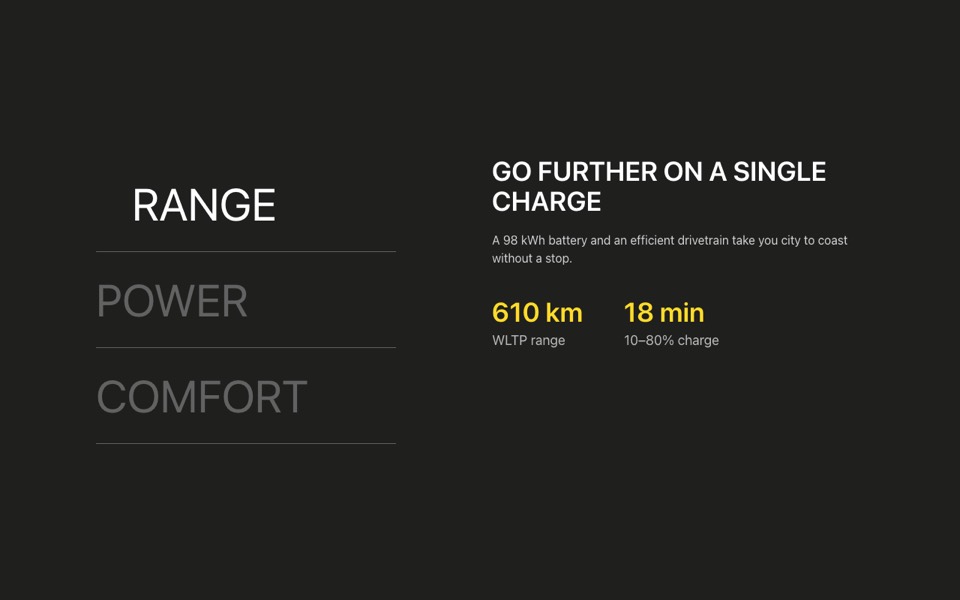
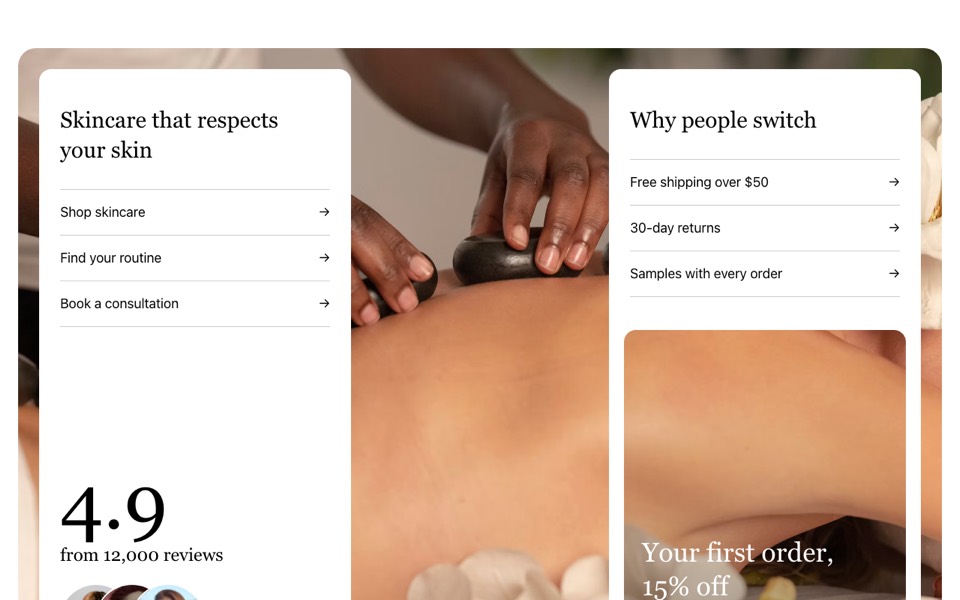
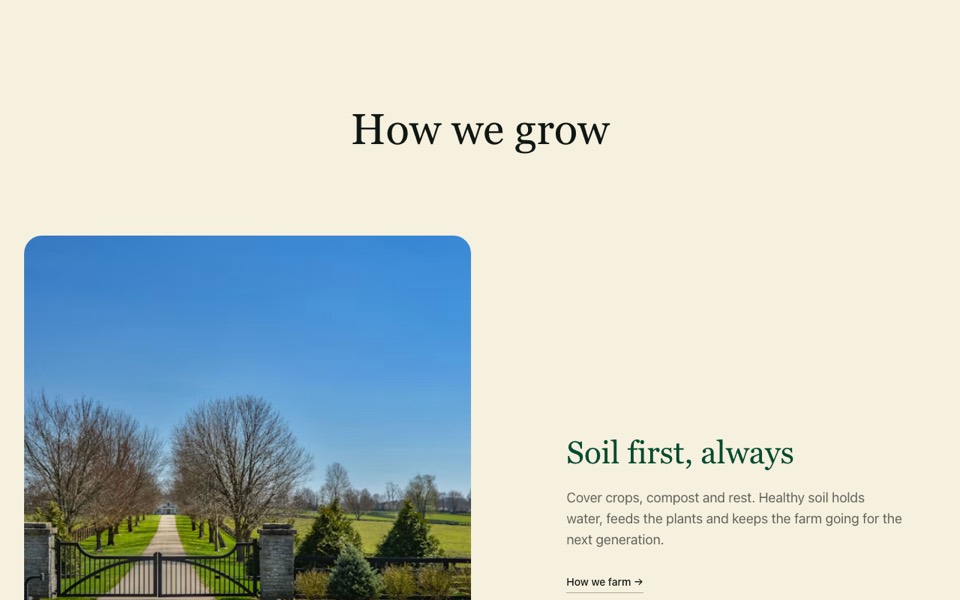
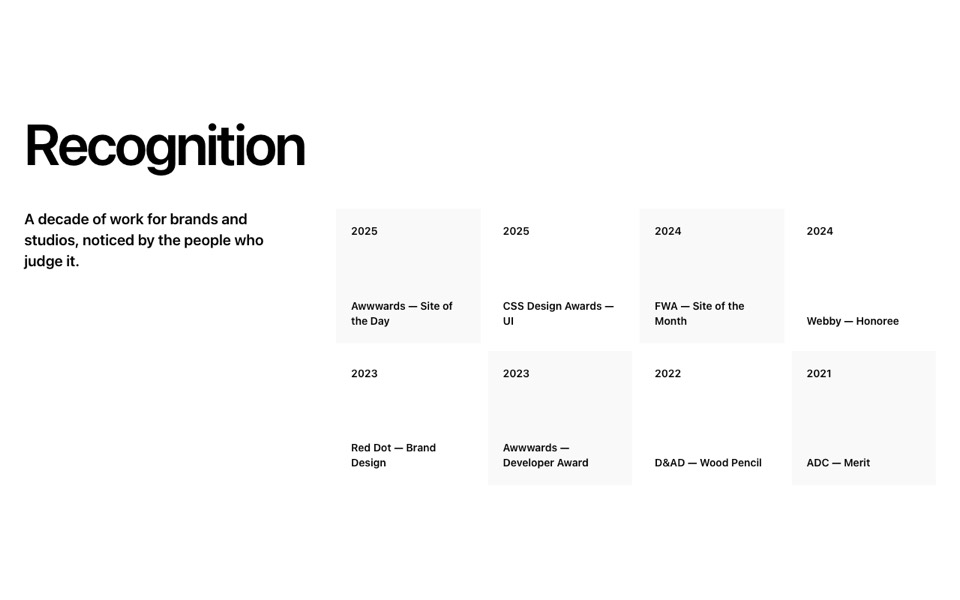
A full-width photo with a yellow info card over its lower middle that stacks under the photo on phones. React and Tailwind CSS.
SpotlightPhotoWithCard.tsx
// Full-width photo with a yellow info card over its lower middle; on phones
// the card sits under the photo. Pure Tailwind, no dependencies. Works with Tailwind v3 and v4.

type Props = {
  eyebrow?: string;
  title?: string;
  text?: string;
  image?: string;
  imageAlt?: string;
};

export default function SpotlightCard({
  eyebrow = "Featured",
  title = "Restored to perfection",
  text = "Every classic in our showroom is inspected, serviced and tested before it's offered for sale.",
  image = "https://images.unsplash.com/photo-1700319839183-cbad15ac66a4?w=2400&q=80&auto=format&fit=crop",
  imageAlt = "Classic wooden boat moored by a garden",
}: Props) {
  return (
    <section className="relative bg-white font-['Inter',ui-sans-serif,system-ui,sans-serif] text-[#1f1f1d] antialiased">
      <div className="relative aspect-video w-full bg-[#bbbbbb]">
        <img src={image} alt={imageAlt} className="absolute inset-0 h-full w-full object-cover" />
      </div>
      <div className="bg-[#ffdc2a] px-4 py-8 md:absolute md:bottom-[12.7%] md:left-[38.9%] md:w-[24.75rem] md:px-6 md:pb-8 md:pt-6">
        <h2 className="font-['Prompt',ui-sans-serif,system-ui,sans-serif] uppercase">
          <span className="block text-xl md:text-2xl">{eyebrow}</span>
          <span className="block text-4xl leading-tight md:text-5xl">{title}</span>
        </h2>
        <p className="mt-3">{text}</p>
      </div>
    </section>
  );
}
How to use it
- Make sure your Next.js or React project has Tailwind CSS set up (v3 or v4 both work).
- Create
components/SpotlightPhotoWithCard.tsxand paste the code. - Import it into a page and replace the sample text and images with your own.