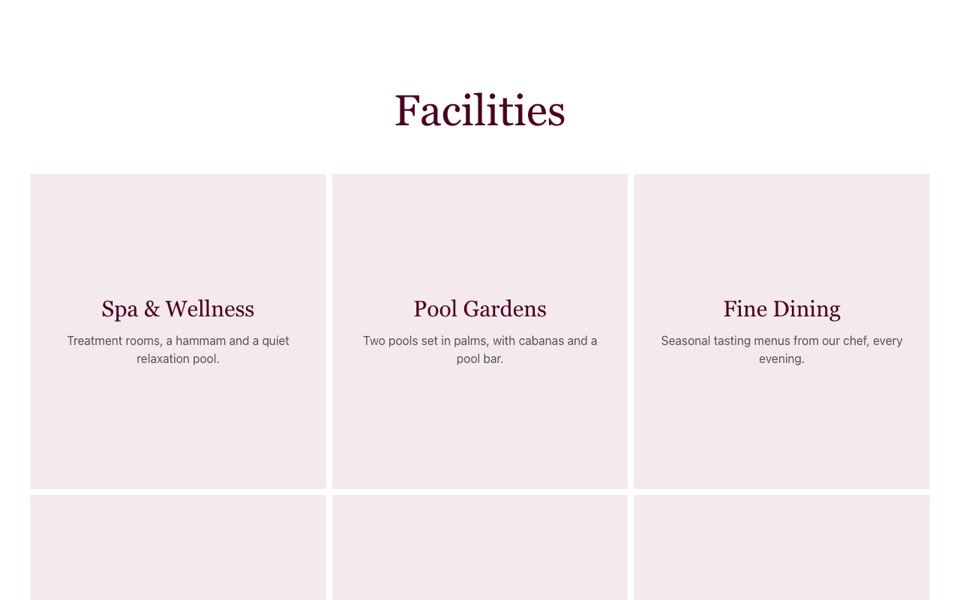
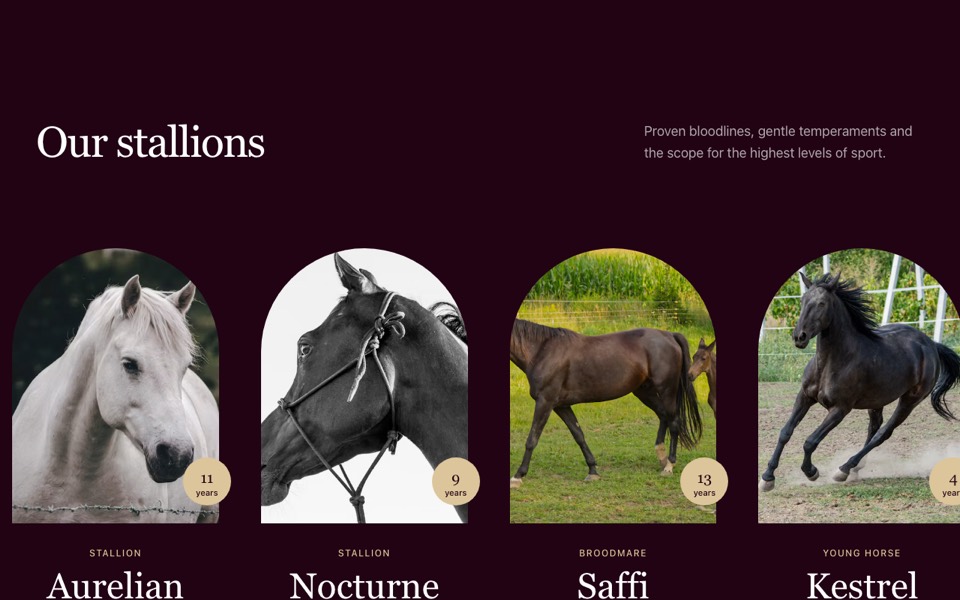
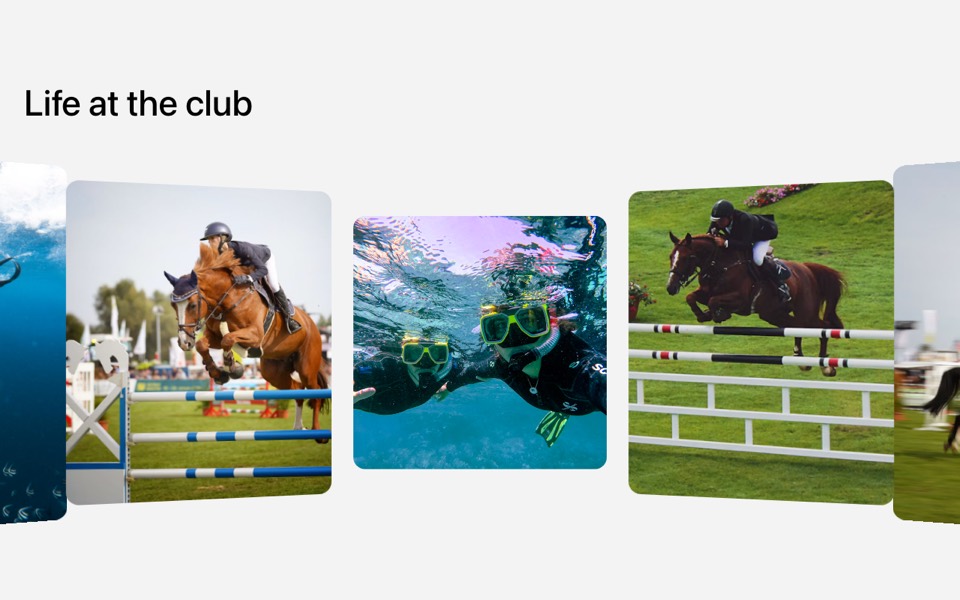
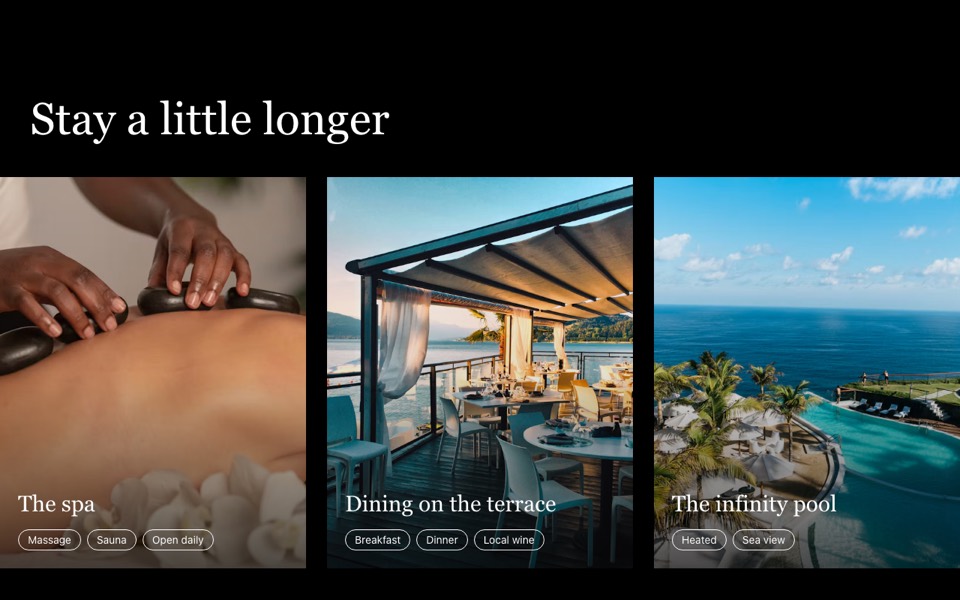
A centred photo slider with peeking neighbours, large labels and arrows that loop seamlessly. React and Tailwind CSS, no carousel library.
CenteredLoopSlider.tsx
"use client";

// Centred photo slider: the active slide sits in the middle at 70% width with
// its neighbours peeking in, large labels over each photo, and arrows that loop.
// Pure Tailwind + React, no carousel library. Works with Tailwind v3 and v4.

import { useEffect, useState } from "react";

type Slide = { src: string; label?: string; alt: string };

type Props = {
  slides?: Slide[];
};

const img = (id: string) => `https://images.unsplash.com/photo-${id}?w=1600&q=80&auto=format&fit=crop`;

const DEFAULT_SLIDES: Slide[] = [
  { src: img("1582719478250-c89cae4dc85b"), label: "Bedroom", alt: "Suite bedroom" },
  { src: img("1560448204-e02f11c3d0e2"), label: "Living", alt: "Bright living room" },
  { src: img("1697124510322-27ef594f67fd"), label: "Lounge", alt: "Lounge with sea view" },
  { src: img("1502986591842-471865a47d0e"), label: "Cabin", alt: "Round porthole window" },
];

const Arrow = ({ flip = false }: { flip?: boolean }) => (
  <svg viewBox="0 0 24 24" fill="none" stroke="currentColor" strokeWidth={1.75} strokeLinecap="round" aria-hidden className={`h-5 w-5 ${flip ? "rotate-180" : ""}`}>
    <path d="M5 12h14M13 6l6 6-6 6" />
  </svg>
);

export default function CenteredLoopSlider({ slides = DEFAULT_SLIDES }: Props) {
  const count = slides.length;
  // The list is rendered three times; `current` moves freely and snaps back to the
  // middle copy (without animating) after each move, so looping never rewinds
  const loop = [...slides, ...slides, ...slides];
  const [current, setCurrent] = useState(count);
  const [animate, setAnimate] = useState(true);

  useEffect(() => {
    if (animate) return;
    const id = requestAnimationFrame(() => setAnimate(true));
    return () => cancelAnimationFrame(id);
  }, [animate]);

  // Clamped so very fast clicking can't run past the rendered copies
  const go = (step: number) => setCurrent((c) => Math.min(Math.max(c + step, 0), loop.length - 1));
  const onSettled = () => {
    if (current < count || current >= count * 2) {
      setAnimate(false);
      setCurrent(count + (((current - count) % count) + count) % count);
    }
  };

  return (
    <section className="overflow-hidden bg-white py-16 font-['Inter',ui-sans-serif,system-ui,sans-serif] antialiased" aria-roledescription="carousel">
      <div className="relative">
        <div
          onTransitionEnd={(e) => e.target === e.currentTarget && onSettled()}
          className={`flex ${animate ? "transition-transform duration-700 ease-[cubic-bezier(0.22,1,0.36,1)]" : ""}`}
          style={{ transform: `translateX(${15 - current * 70}%)` }}
        >
          {loop.map((s, i) => (
            <div key={i} aria-hidden={i !== current} className="relative w-[70%] shrink-0 px-1">
              <div className="overflow-hidden">
                <img src={s.src} alt={s.alt} loading="lazy" className={`h-[320px] w-full object-cover transition-opacity duration-700 md:h-[500px] ${i === current ? "opacity-100" : "opacity-60"}`} />
              </div>
              {s.label && <div className="absolute inset-0 flex items-center justify-center font-['Playfair_Display',Georgia,serif] text-[clamp(2.5rem,6vw,5rem)] font-medium text-white">{s.label}</div>}
            </div>
          ))}
        </div>

        <div className="pointer-events-none absolute inset-x-0 top-1/2 flex -translate-y-1/2 justify-between px-4 md:px-8">
          <button type="button" onClick={() => go(-1)} aria-label="Previous slide" className="pointer-events-auto grid h-14 w-14 place-items-center rounded-full bg-white text-[#49031E] shadow-lg transition-colors hover:bg-[#99023C] hover:text-white">
            <Arrow flip />
          </button>
          <button type="button" onClick={() => go(1)} aria-label="Next slide" className="pointer-events-auto grid h-14 w-14 place-items-center rounded-full bg-white text-[#49031E] shadow-lg transition-colors hover:bg-[#99023C] hover:text-white">
            <Arrow />
          </button>
        </div>
      </div>
    </section>
  );
}
How to use it
- Make sure your Next.js or React project has Tailwind CSS set up (v3 or v4 both work).
- Create
components/CenteredLoopSlider.tsxand paste the code. - Import it into a page and replace the sample text and images with your own.