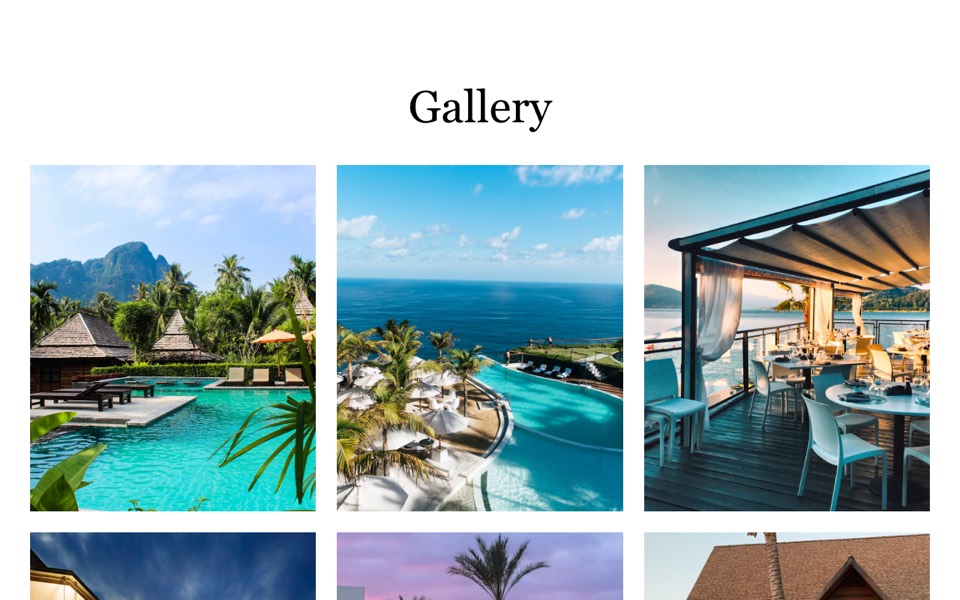
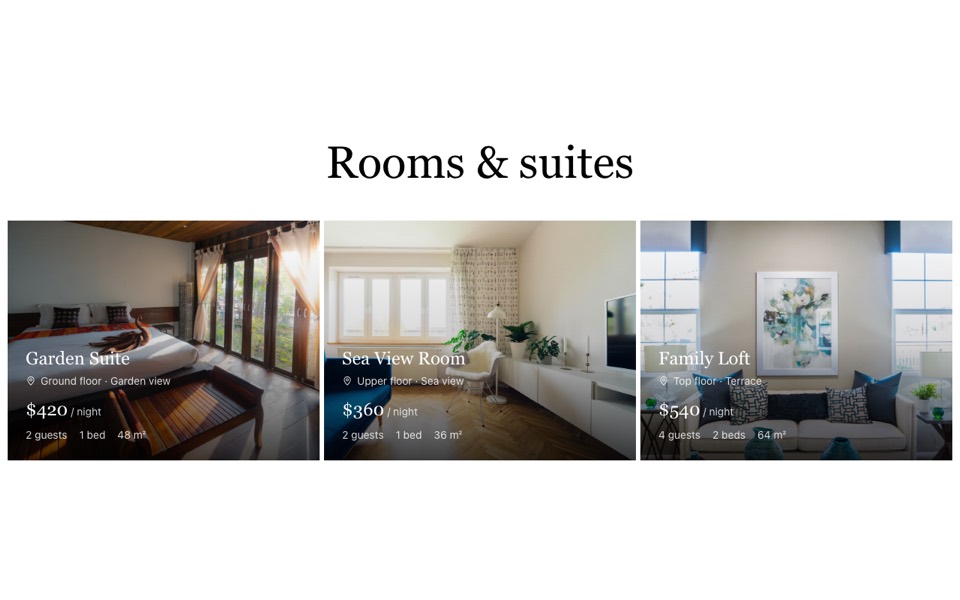
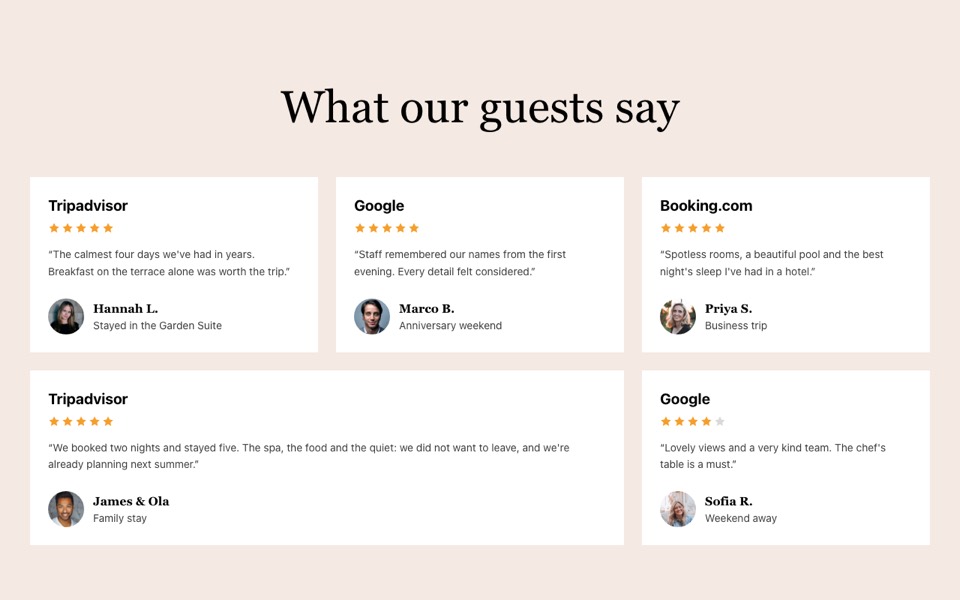
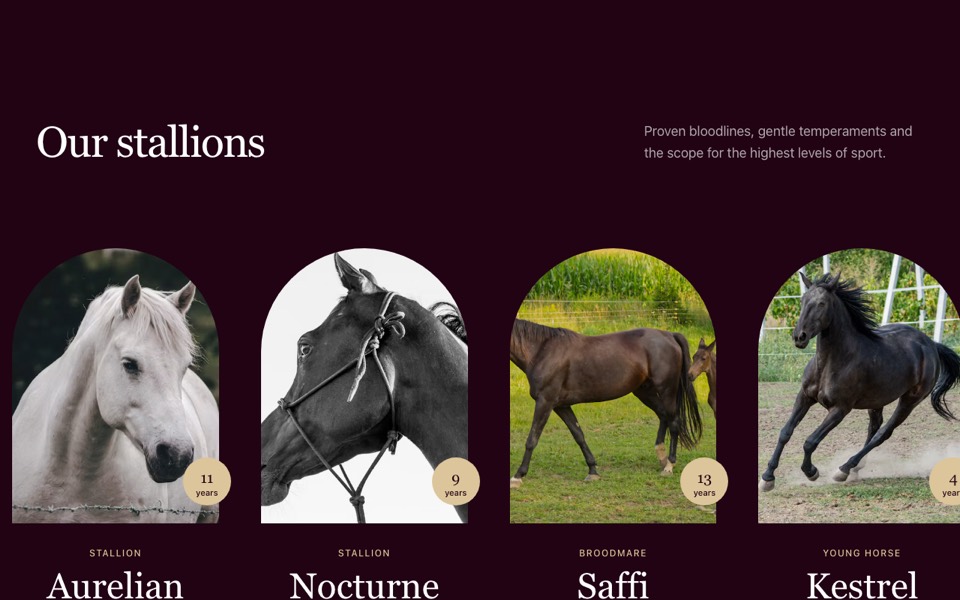
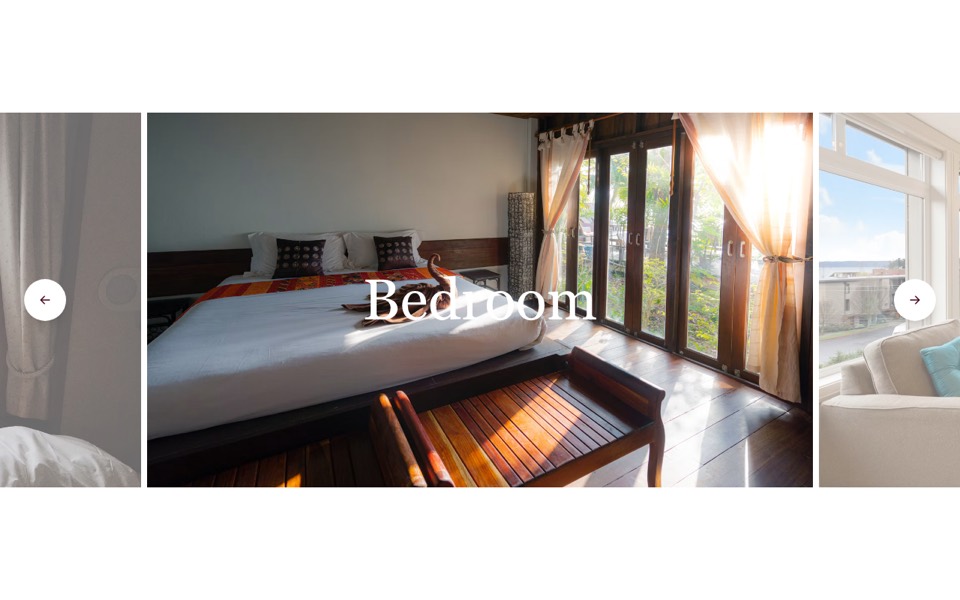
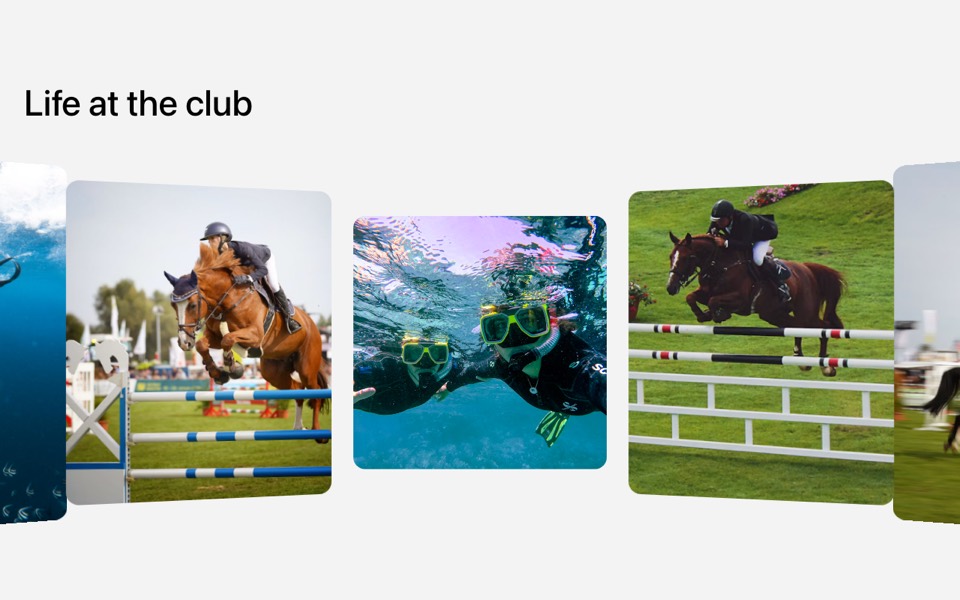
A dark carousel of tall photo cards with titles and tag pills, using native scroll-snap and round arrow buttons. React and Tailwind CSS.
HighlightsCarousel.tsx
"use client";

// Dark highlights carousel: tall photo cards with a title and tag pills,
// scrolled with round arrow buttons (native scroll-snap, no carousel library).
// Pure Tailwind + React. Works with Tailwind v3 and v4.

import { useEffect, useRef, useState } from "react";

type Highlight = { title: string; tags: string[]; image: string; href?: string };

type Props = {
  heading?: string;
  items?: Highlight[];
};

const img = (id: string) => `https://images.unsplash.com/photo-${id}?w=1000&q=80&auto=format&fit=crop`;

const DEFAULT_ITEMS: Highlight[] = [
  { title: "The spa", tags: ["Massage", "Sauna", "Open daily"], image: img("1600334129128-685c5582fd35") },
  { title: "Dining on the terrace", tags: ["Breakfast", "Dinner", "Local wine"], image: img("1559339352-11d035aa65de") },
  { title: "The infinity pool", tags: ["Heated", "Sea view"], image: img("1540541338287-41700207dee6") },
  { title: "Chef's table", tags: ["Tasting menu", "Six seats"], image: img("1414235077428-338989a2e8c0") },
  { title: "Garden pool", tags: ["Adults only", "Bar"], image: img("1520250497591-112f2f40a3f4") },
];

const Chevron = ({ flip = false }: { flip?: boolean }) => (
  <svg viewBox="0 0 24 24" fill="none" stroke="currentColor" strokeWidth={1.75} strokeLinecap="round" aria-hidden className={`h-5 w-5 ${flip ? "rotate-180" : ""}`}>
    <path d="m9 6 6 6-6 6" />
  </svg>
);

export default function HighlightsCarousel({ heading = "Stay a little longer", items = DEFAULT_ITEMS }: Props) {
  const track = useRef<HTMLUListElement>(null);
  const [edges, setEdges] = useState({ start: true, end: false });

  useEffect(() => {
    const el = track.current;
    if (!el) return;
    const update = () => setEdges({ start: el.scrollLeft < 4, end: el.scrollLeft + el.clientWidth > el.scrollWidth - 4 });
    update();
    el.addEventListener("scroll", update, { passive: true });
    window.addEventListener("resize", update);
    return () => {
      el.removeEventListener("scroll", update);
      window.removeEventListener("resize", update);
    };
  }, []);

  const scroll = (dir: 1 | -1) => {
    const el = track.current;
    const card = el?.querySelector("li");
    if (el && card) el.scrollBy({ left: dir * (card.getBoundingClientRect().width + 16), behavior: "smooth" });
  };

  const arrow = "grid h-12 w-12 place-items-center rounded-full border border-white text-white transition-colors hover:bg-white hover:text-black disabled:pointer-events-none disabled:opacity-30 md:h-14 md:w-14";

  return (
    <section className="bg-black py-20 font-sans antialiased md:py-32" aria-roledescription="carousel" aria-label={heading}>
      <h2 className="mx-auto mb-12 max-w-7xl px-5 font-['Cardo',Georgia,'Times_New_Roman',serif] text-4xl text-white md:px-10 md:text-6xl">{heading}</h2>

      <ul ref={track} className="flex snap-x snap-mandatory gap-4 overflow-x-auto px-5 [scrollbar-width:none] md:gap-7 md:px-10 [&::-webkit-scrollbar]:hidden">
        {items.map((item) => (
          <li key={item.title} className="w-[85%] shrink-0 snap-start md:w-[45%] lg:w-[34%]">
            <a href={item.href ?? "#"} className="group relative block aspect-[485/620] overflow-hidden bg-neutral-800">
              <img src={item.image} alt={item.title} loading="lazy" className="absolute inset-0 h-full w-full object-cover transition-transform duration-1000 ease-out group-hover:scale-105" />
              <div className="absolute inset-0 bg-gradient-to-t from-black/70 via-black/10 to-transparent" />
              <div className="absolute inset-x-0 bottom-0 p-6">
                <h3 className="font-['Cardo',Georgia,'Times_New_Roman',serif] text-3xl text-white">{item.title}</h3>
                <ul className="mt-4 flex flex-wrap gap-2">
                  {item.tags.map((tag) => (
                    <li key={tag} className="rounded-full border border-white px-3 py-1.5 text-sm leading-none text-white">
                      {tag}
                    </li>
                  ))}
                </ul>
              </div>
            </a>
          </li>
        ))}
      </ul>

      <div className="mt-10 flex justify-center gap-2.5 md:mt-14">
        <button type="button" className={arrow} onClick={() => scroll(-1)} disabled={edges.start} aria-label="Previous">
          <Chevron flip />
        </button>
        <button type="button" className={arrow} onClick={() => scroll(1)} disabled={edges.end} aria-label="Next">
          <Chevron />
        </button>
      </div>
    </section>
  );
}
How to use it
- Make sure your Next.js or React project has Tailwind CSS set up (v3 or v4 both work).
- Create
components/HighlightsCarousel.tsxand paste the code. - Import it into a page and replace the sample text and images with your own.