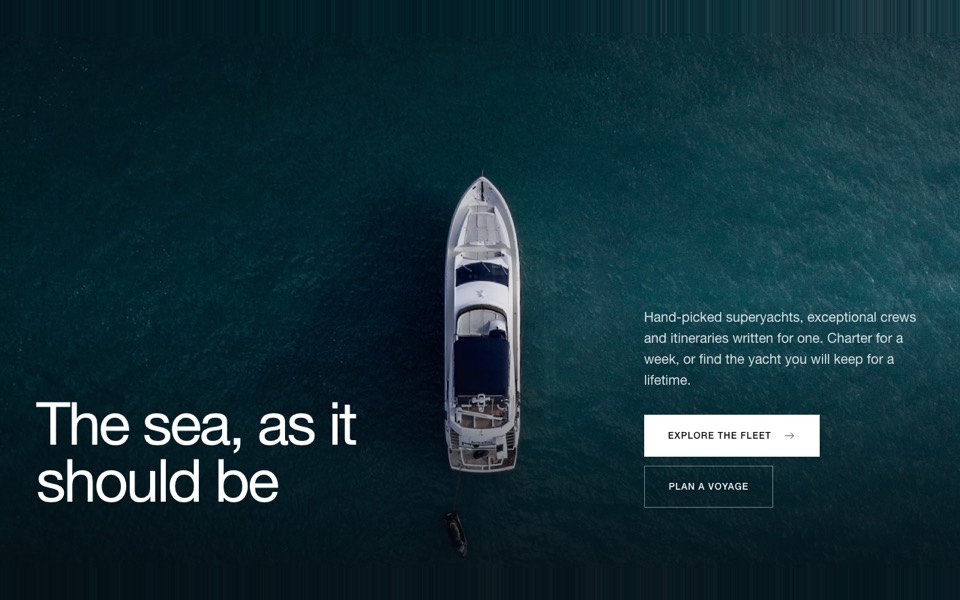
A full-screen hotel hero with a serif headline, button and a check-in, check-out and guests booking bar. React and Tailwind CSS.
HotelBookingHero.tsx
"use client";

// Hotel hero: full-screen photo, serif headline and button, plus a booking bar
// (check-in, check-out, guests) pinned to the bottom.
// Pure Tailwind + React, no dependencies. Works with Tailwind v3 and v4.

import { useState } from "react";

type Props = {
  heading?: string;
  cta?: { label: string; href: string };
  image?: string;
  imageAlt?: string;
  onSearch?: (search: { checkIn: string; checkOut: string; guests: number }) => void;
};

const field = "flex flex-col gap-1 border-white/25 px-5 py-3 text-left md:border-r";
const label = "text-[11px] font-semibold uppercase tracking-[0.14em] text-white/70";
const input = "bg-transparent text-base text-white outline-none [color-scheme:dark]";

export default function HotelBookingHero({
  heading = "A quiet retreat\nbetween sea and hills",
  cta = { label: "Explore the rooms", href: "#" },
  image = "https://images.unsplash.com/photo-1571896349842-33c89424de2d?w=2400&q=80&auto=format&fit=crop",
  imageAlt = "Hotel pool and terrace at dusk",
  onSearch,
}: Props) {
  const [checkIn, setCheckIn] = useState("");
  const [checkOut, setCheckOut] = useState("");
  const [guests, setGuests] = useState(2);

  return (
    <section className="relative flex min-h-[640px] flex-col overflow-hidden bg-black font-sans antialiased md:h-screen md:max-h-[900px]">
      <img src={image} alt={imageAlt} className="absolute inset-0 h-full w-full object-cover" />
      <div className="absolute inset-0 bg-gradient-to-b from-black/45 via-black/15 to-black/50" />

      <div className="relative mx-auto flex w-full max-w-7xl flex-1 flex-col justify-center px-5 pb-12 pt-28 md:px-10">
        <h1 className="max-w-3xl whitespace-pre-line font-['Cardo',Georgia,'Times_New_Roman',serif] text-5xl leading-tight text-white md:text-7xl">{heading}</h1>
        <a href={cta.href} className="mt-8 self-start rounded-full bg-white px-7 py-3.5 text-sm font-semibold text-black transition-colors hover:bg-[#f4e9e2] md:mt-10">
          {cta.label}
        </a>
      </div>

      <div className="relative mx-auto w-full max-w-7xl px-5 pb-8 md:px-10 md:pb-12">
        <form
          onSubmit={(e) => {
            e.preventDefault();
            onSearch?.({ checkIn, checkOut, guests });
          }}
          className="grid grid-cols-1 overflow-hidden rounded-2xl border border-white/25 bg-black/35 backdrop-blur-md md:grid-cols-[1fr_1fr_1fr_auto]"
        >
          <label className={field}>
            <span className={label}>Check in</span>
            <input type="date" value={checkIn} onChange={(e) => setCheckIn(e.target.value)} className={input} />
          </label>
          <label className={field}>
            <span className={label}>Check out</span>
            <input type="date" value={checkOut} min={checkIn || undefined} onChange={(e) => setCheckOut(e.target.value)} className={input} />
          </label>
          <label className={field}>
            <span className={label}>Guests</span>
            <select value={guests} onChange={(e) => setGuests(Number(e.target.value))} className={`${input} [&>option]:text-black`}>
              {[1, 2, 3, 4, 5, 6].map((n) => (
                <option key={n} value={n}>
                  {n} {n === 1 ? "guest" : "guests"}
                </option>
              ))}
            </select>
          </label>
          <button type="submit" className="m-2 rounded-xl bg-[#56694a] px-8 py-4 text-sm font-semibold text-white transition-colors hover:bg-[#435339]">
            Check availability
          </button>
        </form>
      </div>
    </section>
  );
}
How to use it
- Make sure your Next.js or React project has Tailwind CSS set up (v3 or v4 both work).
- Create
components/HotelBookingHero.tsxand paste the code. - Import it into a page and replace the sample text and images with your own.