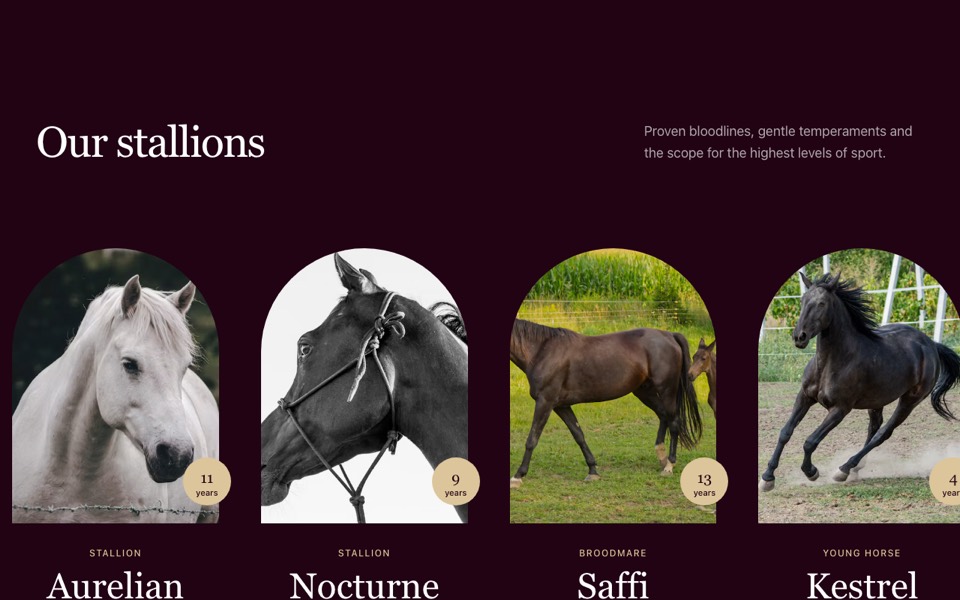
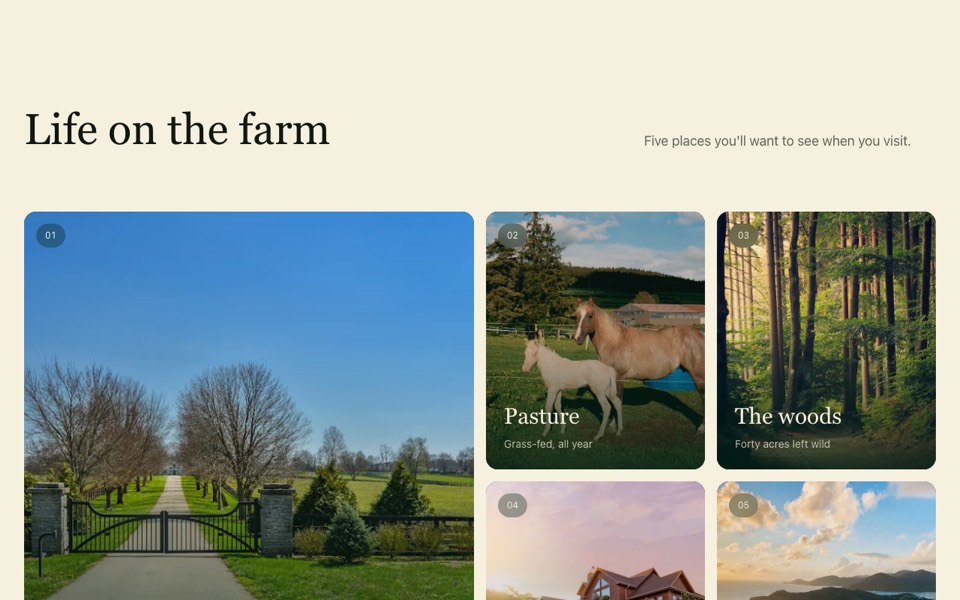
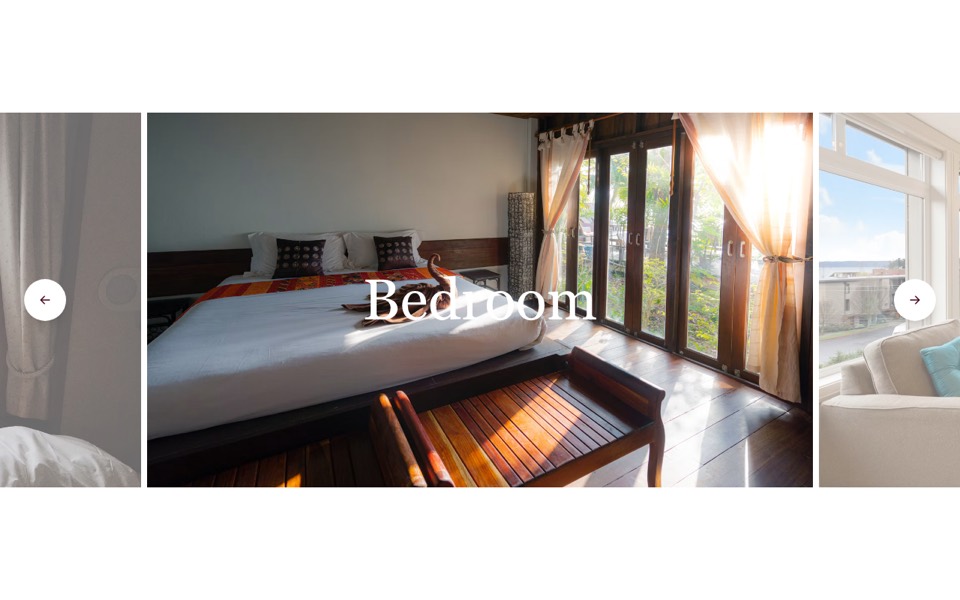
A photo grid that opens a full-screen dialog lightbox with prev/next buttons, arrow keys and a counter. React and Tailwind CSS, no dependencies.
GalleryWithLightbox.tsx
"use client";

// Photo grid that opens a full-screen lightbox (native <dialog>) with
// previous/next buttons, arrow-key navigation and a counter.
// Pure Tailwind + React, no dependencies. Works with Tailwind v3 and v4.

import { useCallback, useEffect, useRef, useState } from "react";

type Photo = { src: string; alt: string };

type Props = {
  heading?: string;
  photos?: Photo[];
};

const img = (id: string) => `https://images.unsplash.com/photo-${id}?w=1600&q=80&auto=format&fit=crop`;

const DEFAULT_PHOTOS: Photo[] = [
  { src: img("1520250497591-112f2f40a3f4"), alt: "Pool among palm trees" },
  { src: img("1540541338287-41700207dee6"), alt: "Infinity pool above the sea" },
  { src: img("1559339352-11d035aa65de"), alt: "Terrace restaurant by the water" },
  { src: img("1571896349842-33c89424de2d"), alt: "Hotel at dusk" },
  { src: img("1551882547-ff40c63fe5fa"), alt: "Palm-lined pool at sunset" },
  { src: img("1566073771259-6a8506099945"), alt: "Wooden lodge with a pool" },
];

const Icon = ({ d }: { d: string }) => (
  <svg viewBox="0 0 24 24" fill="none" stroke="currentColor" strokeWidth={1.75} strokeLinecap="round" aria-hidden className="h-6 w-6">
    <path d={d} />
  </svg>
);

export default function GalleryLightbox({ heading = "Gallery", photos = DEFAULT_PHOTOS }: Props) {
  const dialog = useRef<HTMLDialogElement>(null);
  const [index, setIndex] = useState<number | null>(null);

  const open = (i: number) => {
    setIndex(i);
    dialog.current?.showModal();
  };
  const step = useCallback((by: number) => setIndex((i) => (i === null ? i : (i + by + photos.length) % photos.length)), [photos.length]);

  useEffect(() => {
    const onKey = (e: KeyboardEvent) => {
      if (!dialog.current?.open) return;
      if (e.key === "ArrowRight") step(1);
      if (e.key === "ArrowLeft") step(-1);
    };
    window.addEventListener("keydown", onKey);
    return () => window.removeEventListener("keydown", onKey);
  }, [step]);

  const current = index === null ? null : photos[index];
  const control = "grid h-12 w-12 place-items-center rounded-full text-white transition-colors hover:bg-white/15";

  return (
    <section className="bg-white py-24 font-sans antialiased md:py-28">
      <h2 className="mb-12 text-center font-['Cardo',Georgia,'Times_New_Roman',serif] text-4xl text-black md:text-6xl">{heading}</h2>

      <ul className="grid gap-4 px-5 sm:grid-cols-2 md:gap-7 lg:grid-cols-3 lg:px-10">
        {photos.map((photo, i) => (
          <li key={photo.src}>
            <button type="button" onClick={() => open(i)} className="group relative block aspect-[413/500] w-full overflow-hidden bg-neutral-100" aria-label={`Open photo: ${photo.alt}`}>
              <img src={photo.src} alt={photo.alt} loading="lazy" className="absolute inset-0 h-full w-full object-cover transition-transform duration-1000 ease-out group-hover:scale-105" />
            </button>
          </li>
        ))}
      </ul>

      <dialog
        ref={dialog}
        onClose={() => setIndex(null)}
        onClick={(e) => e.target === dialog.current && dialog.current.close()}
        className="m-0 h-full max-h-none w-full max-w-none bg-black/95 p-0 backdrop:bg-transparent"
      >
        {current && (
          <div className="flex h-full w-full flex-col items-center justify-center gap-4 p-4 md:p-10">
            <div className="flex w-full justify-end">
              <button type="button" className={control} onClick={() => dialog.current?.close()} aria-label="Close">
                <Icon d="M18 6 6 18M6 6l12 12" />
              </button>
            </div>
            <div className="relative min-h-0 w-full flex-1">
              <img src={current.src} alt={current.alt} className="absolute inset-0 h-full w-full object-contain" />
            </div>
            <div className="flex items-center gap-6 text-sm text-white">
              <button type="button" className={control} onClick={() => step(-1)} aria-label="Previous photo">
                <Icon d="m15 18-6-6 6-6" />
              </button>
              <span>
                {index! + 1} / {photos.length}
              </span>
              <button type="button" className={control} onClick={() => step(1)} aria-label="Next photo">
                <Icon d="m9 18 6-6-6-6" />
              </button>
            </div>
          </div>
        )}
      </dialog>
    </section>
  );
}
How to use it
- Make sure your Next.js or React project has Tailwind CSS set up (v3 or v4 both work).
- Create
components/GalleryWithLightbox.tsxand paste the code. - Import it into a page and replace the sample text and images with your own.