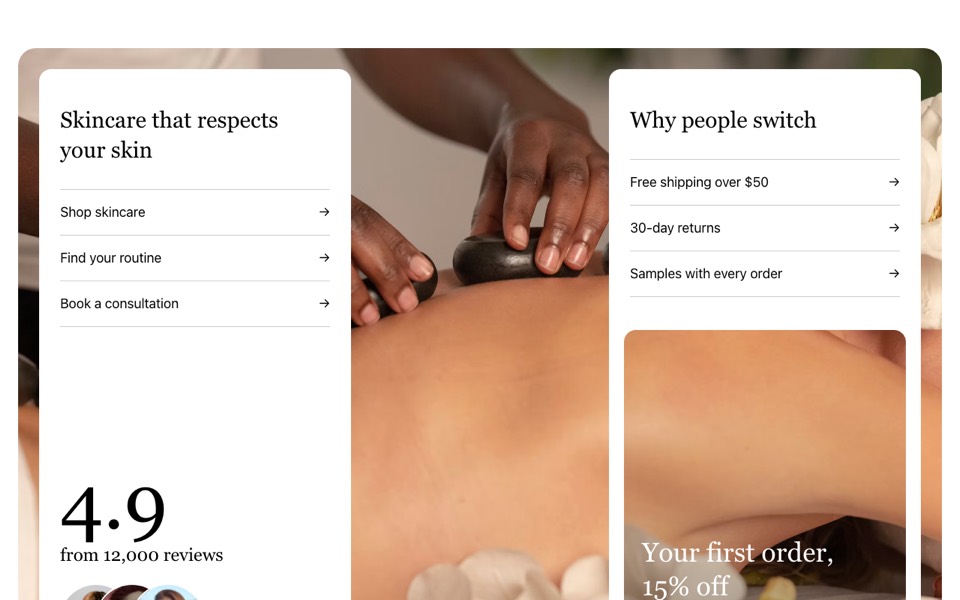
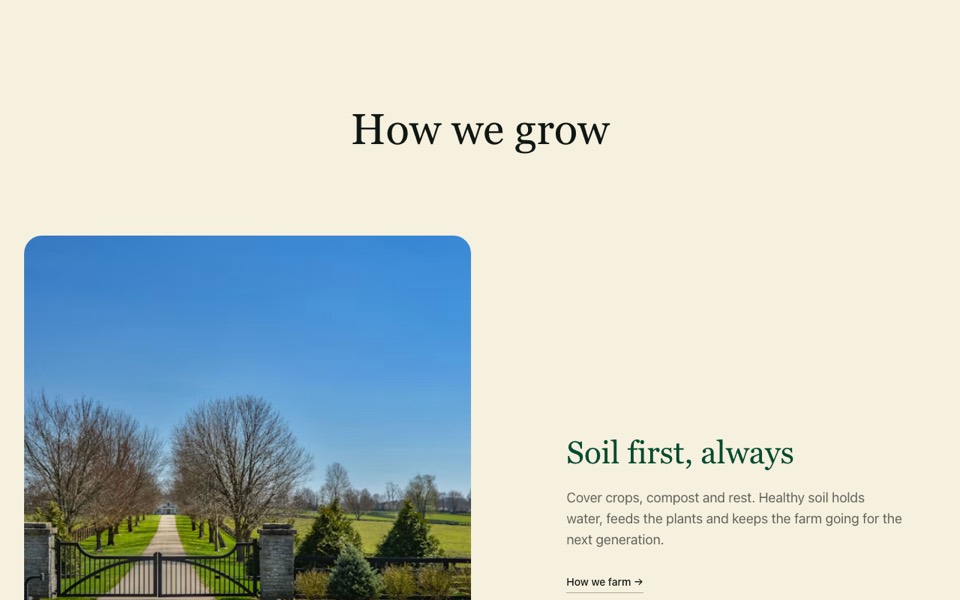
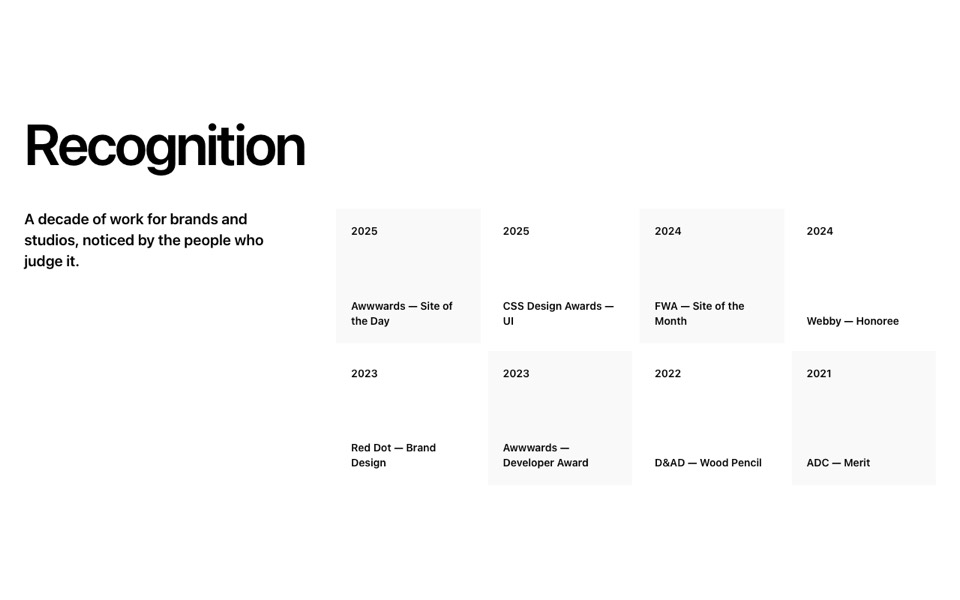
A rounded photo beside a cream panel with a numbered ingredient list whose rows nudge on hover. React and Tailwind CSS, no dependencies.
IngredientsList.tsx
// Key ingredients: a rounded photo beside a cream panel with a numbered list
// of what each ingredient does; rows nudge right on hover.
// Pure Tailwind, no dependencies. Works with Tailwind v3 and v4.

type Ingredient = { name: string; description: string };

type Props = {
  eyebrow?: string;
  heading?: string;
  text?: string;
  image?: string;
  imageAlt?: string;
  ingredients?: Ingredient[];
};

const DEFAULT_INGREDIENTS: Ingredient[] = [
  { name: "Squalane", description: "Locks in moisture without feeling heavy or greasy." },
  { name: "Niacinamide", description: "Evens tone and refines the look of pores over time." },
  { name: "Rosehip oil", description: "Rich in vitamins A and C to soften and brighten." },
  { name: "Ceramides", description: "Rebuild the skin's barrier so it stays calm and comfortable." },
];

export default function IngredientsList({
  eyebrow = "Inside the bottle",
  heading = "Four ingredients, chosen for a reason",
  text = "No fillers and no fragrance. Just what your skin needs, at levels that work.",
  image = "https://images.unsplash.com/photo-1544161515-4ab6ce6db874?w=1400&q=80&auto=format&fit=crop",
  imageAlt = "Facial oil being applied",
  ingredients = DEFAULT_INGREDIENTS,
}: Props) {
  return (
    <section className="bg-white px-4 py-10 font-['Inter',ui-sans-serif,system-ui,sans-serif] text-black antialiased md:px-6 md:py-16">
      <div className="mx-auto grid max-w-[87rem] gap-5 lg:grid-cols-2">
        <div className="relative min-h-[25rem] overflow-hidden rounded-3xl lg:min-h-full">
          <img src={image} alt={imageAlt} className="absolute inset-0 h-full w-full object-cover" />
        </div>
        <div className="rounded-3xl bg-[#f9f4ee] p-6 md:p-10">
          <p className="mb-6 w-fit rounded-full border border-black px-5 py-2 text-sm font-medium">{eyebrow}</p>
          <h2 className="max-w-xl font-['Prata',Georgia,serif] text-3xl leading-tight md:text-5xl">{heading}</h2>
          <p className="mt-4 max-w-lg text-[#888888]">{text}</p>
          <ol className="mt-10 border-t border-[#cbcbcb]">
            {ingredients.map((item, i) => (
              <li key={item.name} className="group grid grid-cols-[3rem_1fr] gap-x-4 border-b border-[#cbcbcb] py-6 transition-[padding] duration-500 hover:pl-2">
                <span className="pt-1 text-sm font-medium text-[#888888] transition-colors group-hover:text-black">{String(i + 1).padStart(2, "0")}</span>
                <div>
                  <h3 className="font-['Prata',Georgia,serif] text-xl md:text-2xl">{item.name}</h3>
                  <p className="mt-2 text-[#888888]">{item.description}</p>
                </div>
              </li>
            ))}
          </ol>
        </div>
      </div>
    </section>
  );
}
How to use it
- Make sure your Next.js or React project has Tailwind CSS set up (v3 or v4 both work).
- Create
components/IngredientsList.tsxand paste the code. - Import it into a page and replace the sample text and images with your own.