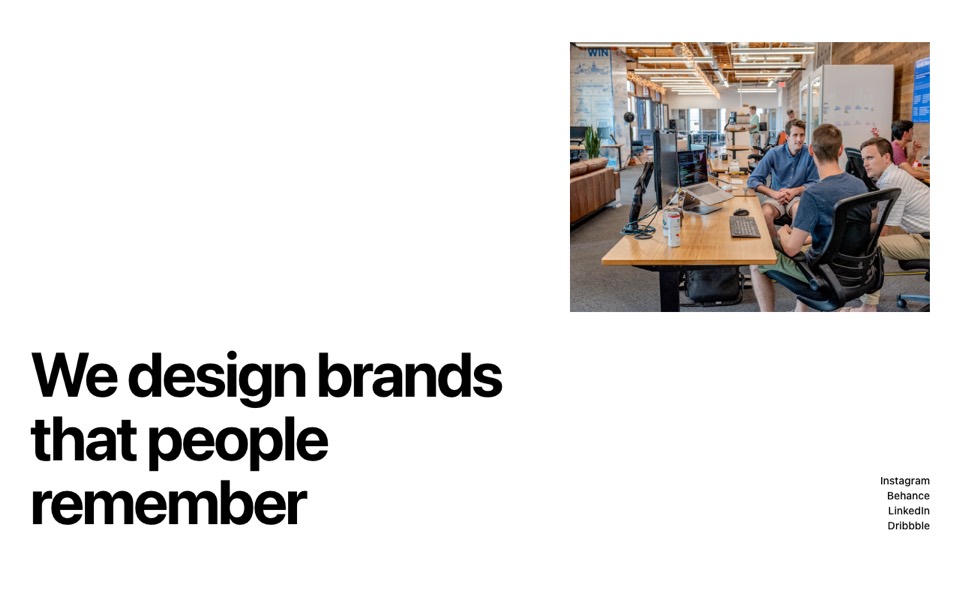
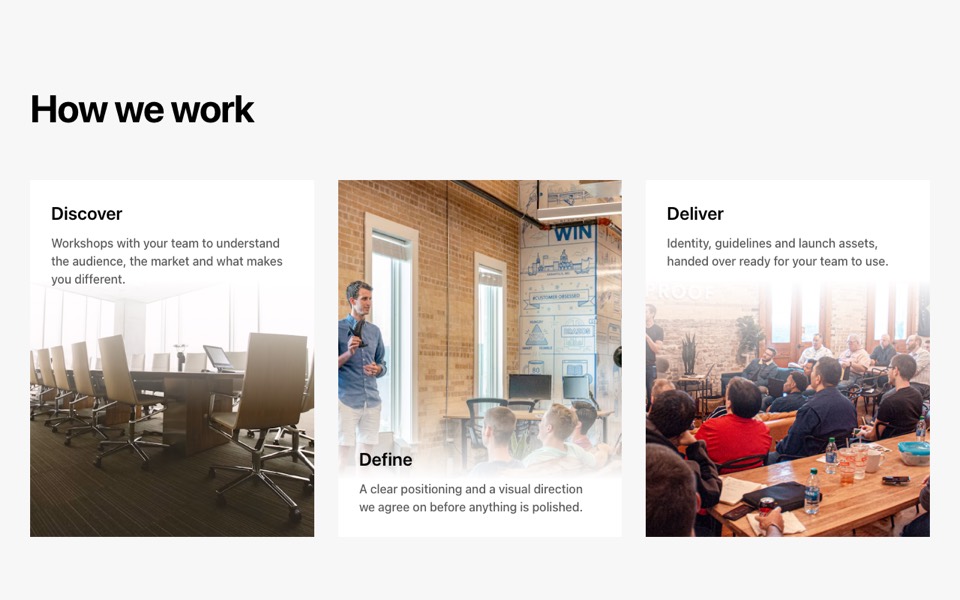
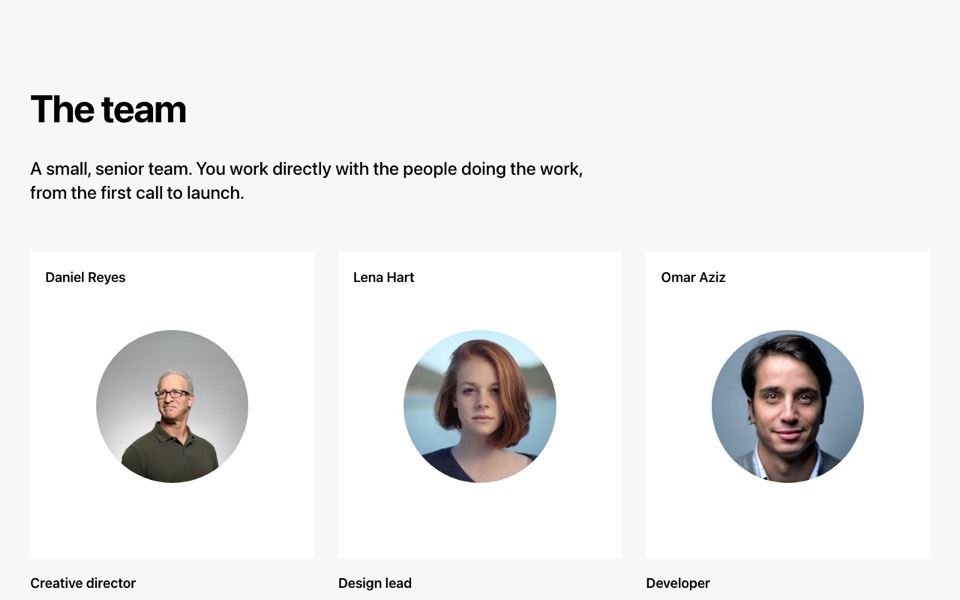
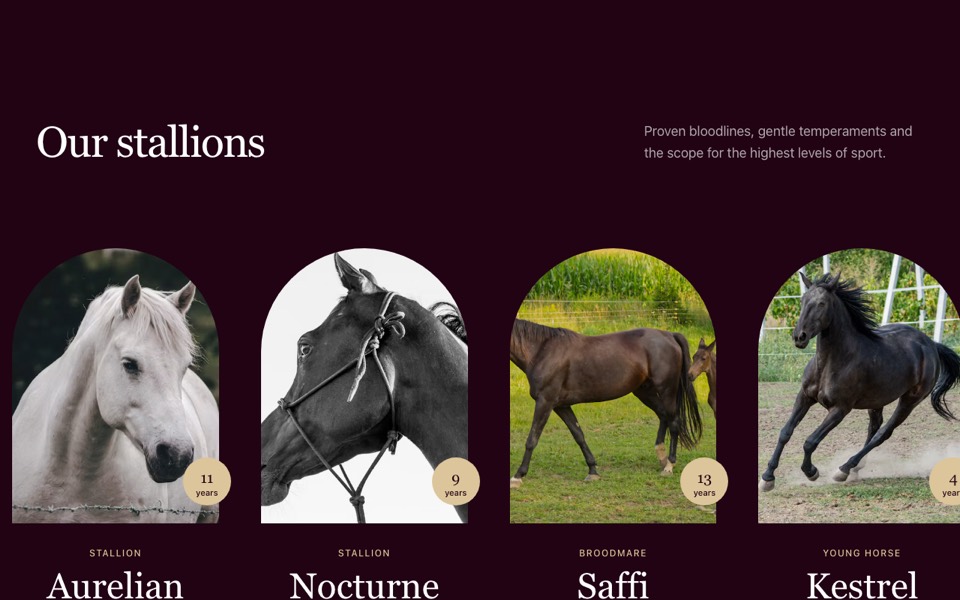
A two-column portfolio grid with staggered, mixed-size frames and project title and category. React and Tailwind CSS, no dependencies.
StaggeredPortfolioGrid.tsx
// Portfolio grid in two staggered columns with mixed frame sizes, each project
// showing its title and category. Pure Tailwind, no dependencies. Works with Tailwind v3 and v4.

type Project = { title: string; category: string; image: string; href?: string };

type Props = {
  heading?: string;
  projects?: Project[];
};

const img = (id: string) => `https://images.unsplash.com/photo-${id}?w=1200&q=80&auto=format&fit=crop`;

const DEFAULT_PROJECTS: Project[] = [
  { title: "Saffron & Co.", category: "Brand identity", image: img("1550259114-ad7188f0a967") },
  { title: "Northlight Studio", category: "Website", image: img("1515187029135-18ee286d815b") },
  { title: "Golden Hour", category: "Campaign", image: img("1622715395486-08183374570a") },
  { title: "Metric", category: "Product design", image: img("1460925895917-afdab827c52f") },
  { title: "Harbour Rooms", category: "Art direction", image: img("1502986591842-471865a47d0e") },
  { title: "Confetti Festival", category: "Event identity", image: img("1492684223066-81342ee5ff30") },
];

// Frame shapes repeat every three cards per column
const LEFT = ["aspect-[538/650] lg:w-4/5", "aspect-[538/430] lg:w-4/5", "aspect-[652/430]"];
const RIGHT = ["aspect-[652/430]", "aspect-[652/430]", "aspect-[538/650] lg:ml-auto lg:w-4/5"];

function Card({ project, frame }: { project: Project; frame: string }) {
  return (
    <a href={project.href ?? "#"} className="group block">
      <div className={`relative w-full overflow-hidden bg-[#f7f7f7] ${frame}`}>
        <img src={project.image} alt={project.title} loading="lazy" className="absolute inset-0 h-full w-full object-cover transition-transform duration-700 group-hover:scale-105" />
      </div>
      <div className="mt-4 flex items-baseline justify-between gap-4">
        <h3 className="text-xl font-semibold">{project.title}</h3>
        <p className="text-sm font-medium text-[#595959]">{project.category}</p>
      </div>
    </a>
  );
}

export default function StaggeredPortfolio({ heading = "Selected work", projects = DEFAULT_PROJECTS }: Props) {
  const left = projects.filter((_, i) => i % 2 === 0);
  const right = projects.filter((_, i) => i % 2 === 1);

  return (
    <section className="mx-auto max-w-7xl bg-white px-5 py-20 font-['Inter',ui-sans-serif,system-ui,sans-serif] text-black antialiased md:px-10 md:py-28">
      <h2 className="mb-10 text-[clamp(32px,4vw,56px)] font-bold leading-tight tracking-[-0.03em] md:mb-12">{heading}</h2>
      <div className="grid gap-12 md:grid-cols-2 md:gap-8">
        <div className="flex flex-col gap-12 md:gap-16">
          {left.map((p, i) => (
            <Card key={p.title} project={p} frame={LEFT[i % 3]} />
          ))}
        </div>
        <div className="flex flex-col gap-12 md:gap-20">
          {right.map((p, i) => (
            <Card key={p.title} project={p} frame={RIGHT[i % 3]} />
          ))}
        </div>
      </div>
    </section>
  );
}
How to use it
- Make sure your Next.js or React project has Tailwind CSS set up (v3 or v4 both work).
- Create
components/StaggeredPortfolioGrid.tsxand paste the code. - Import it into a page and replace the sample text and images with your own.