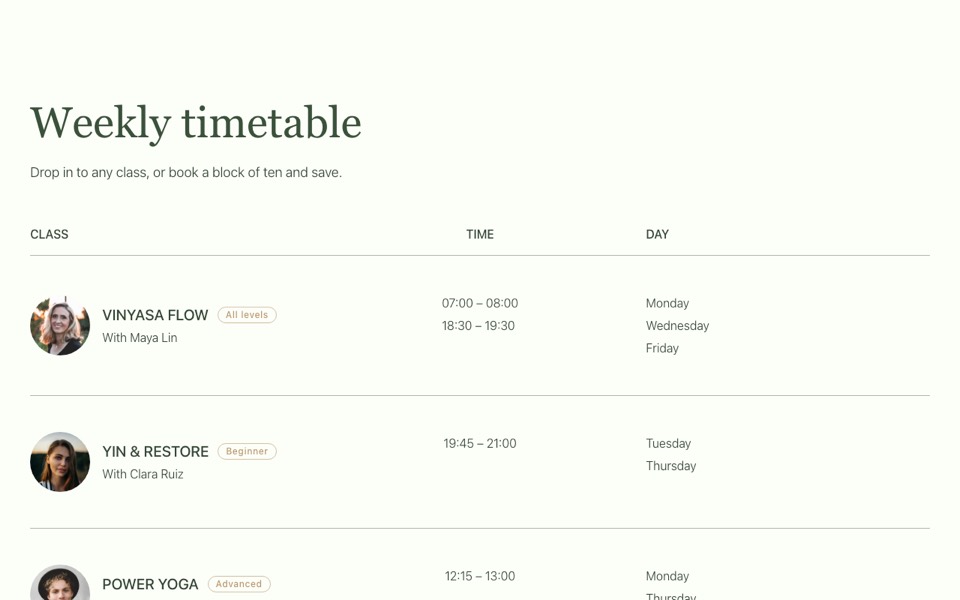
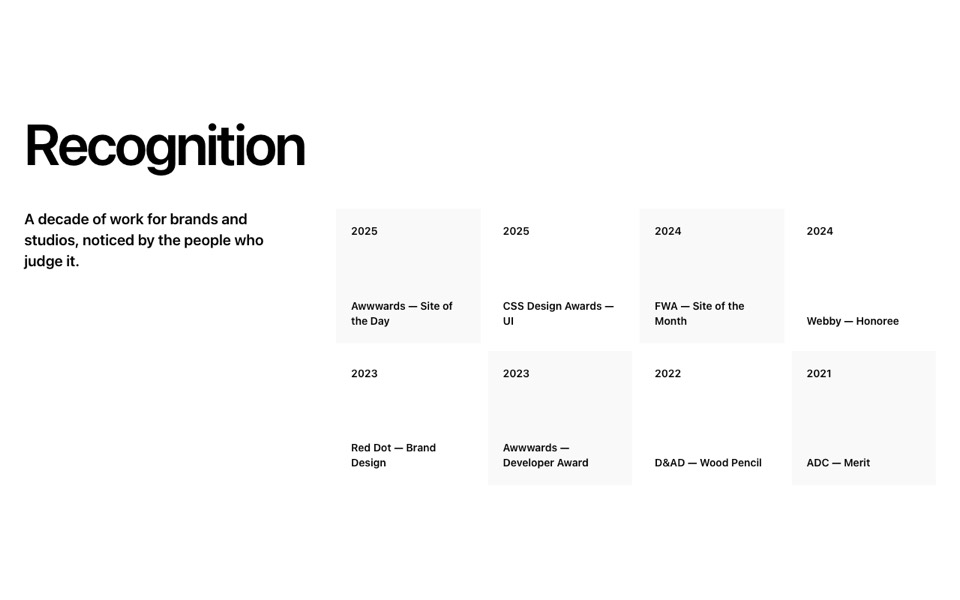
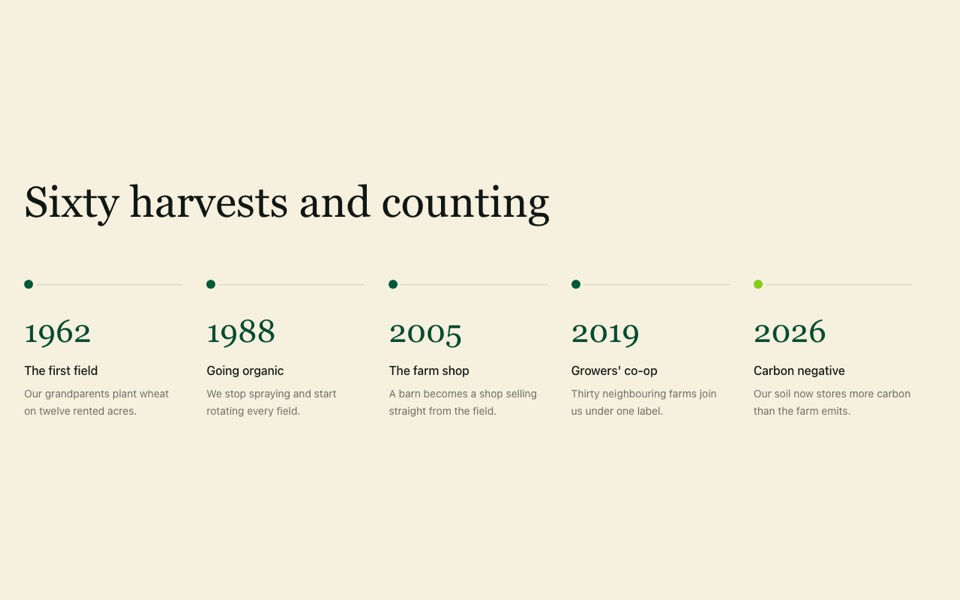
A sticky heading, intro and button on the left with large numbered steps on the right. React and Tailwind CSS, no dependencies.
StickyNumberedSteps.tsx
// Heading, intro and button on the left (sticky on desktop), numbered steps
// on the right. Pure Tailwind, no dependencies. Works with Tailwind v3 and v4.

type Step = { title: string; text: string };

type Props = {
  heading?: string;
  intro?: string;
  cta?: { label: string; href: string };
  steps?: Step[];
};

const DEFAULT_STEPS: Step[] = [
  { title: "Book your first class", text: "Pick any class on the timetable. Your first one is on us." },
  { title: "Arrive ten minutes early", text: "We'll show you around, set you up with a mat and props, and answer any questions." },
  { title: "Move at your own pace", text: "Every pose has an easier and a harder version. Our teachers will show you both." },
  { title: "Find your rhythm", text: "Most people settle into two or three classes a week. Choose the plan that fits." },
];

export default function StickySteps({
  heading = "New to yoga?",
  intro = "Here's what to expect from your first visit to the studio.",
  cta = { label: "Book a free class", href: "#" },
  steps = DEFAULT_STEPS,
}: Props) {
  return (
    <section className="bg-[#fcfef8] px-5 py-20 font-['Inter',ui-sans-serif,system-ui,sans-serif] text-[#344634] antialiased md:px-10 md:py-32">
      <div className="mx-auto grid max-w-7xl gap-12 md:grid-cols-2 md:gap-16">
        <div className="md:sticky md:top-32 md:self-start">
          <h2 className="font-['Playfair_Display',Georgia,serif] text-[clamp(2.25rem,4.5vw,4rem)] leading-tight text-[#3a513a]">{heading}</h2>
          <p className="mt-4 max-w-md text-lg font-light">{intro}</p>
          {cta && (
            <a href={cta.href} className="mt-10 inline-block rounded-full bg-[#3a513a] px-7 py-3.5 text-sm font-medium text-white transition-colors hover:bg-[#253b25]">
              {cta.label}
            </a>
          )}
        </div>

        <ol className="flex flex-col">
          {steps.map((step, i) => (
            <li key={step.title} className="group grid grid-cols-[auto_1fr] gap-6 border-t border-[#3a513a]/20 py-8 last:border-b">
              <span className="font-['Playfair_Display',Georgia,serif] text-5xl leading-none text-[#b8976a] transition-transform duration-500 group-hover:-translate-y-1">{String(i + 1).padStart(2, "0")}</span>
              <div>
                <h3 className="font-['Playfair_Display',Georgia,serif] text-2xl">{step.title}</h3>
                <p className="mt-2 font-light text-[#7f8442]">{step.text}</p>
              </div>
            </li>
          ))}
        </ol>
      </div>
    </section>
  );
}
How to use it
- Make sure your Next.js or React project has Tailwind CSS set up (v3 or v4 both work).
- Create
components/StickyNumberedSteps.tsxand paste the code. - Import it into a page and replace the sample text and images with your own.