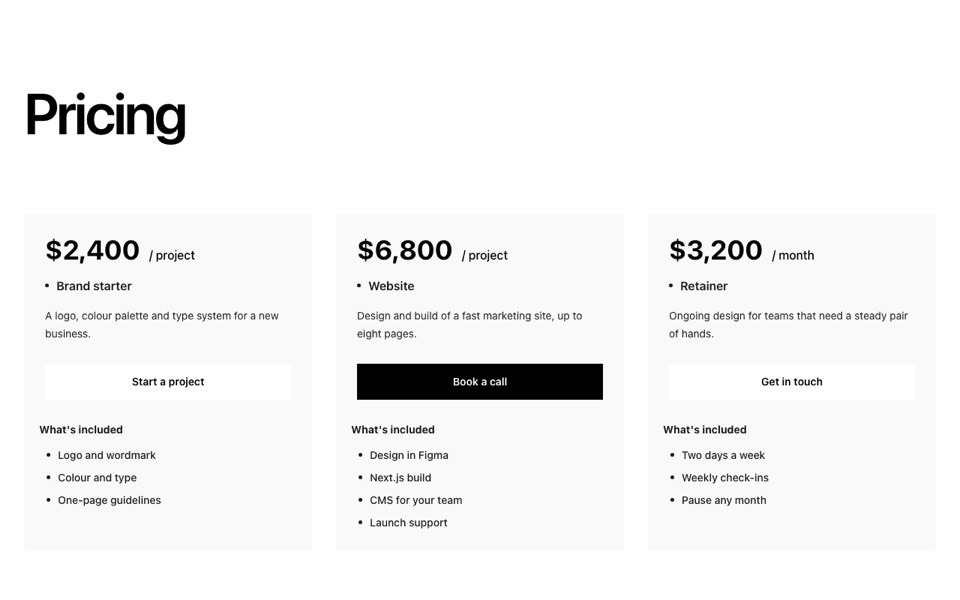
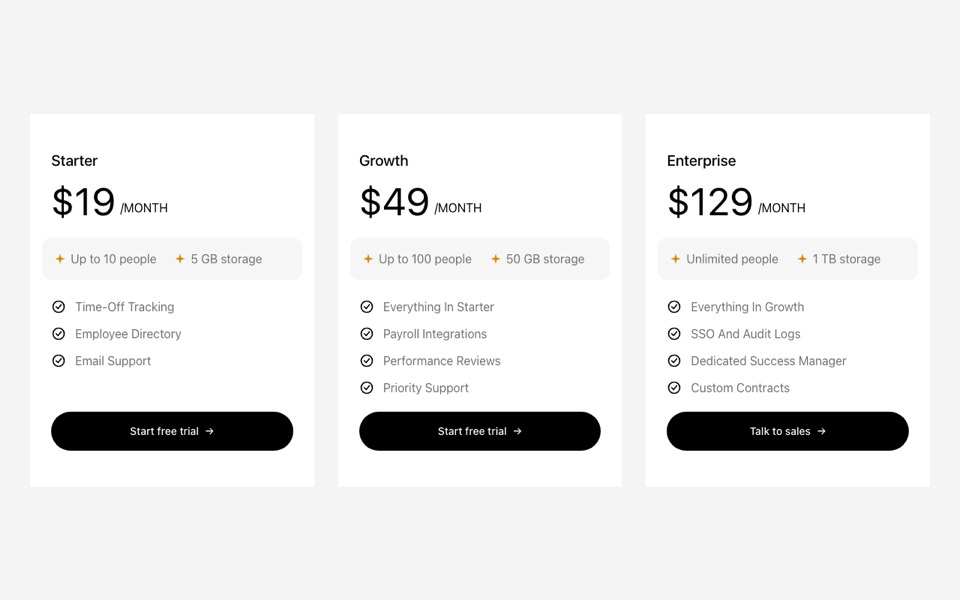
Three membership plans with a taller dark featured plan, a badge and cards that lift on hover. React and Tailwind CSS, no dependencies.
MembershipPricing.tsx
// Membership pricing: three plans with a taller, dark featured plan and a
// badge; cards lift on hover. Pure Tailwind, no dependencies. Works with Tailwind v3 and v4.

type Plan = { name: string; summary: string; price: string; period?: string; features: string[]; cta: string; href?: string; badge?: string; featured?: boolean };

type Props = {
  heading?: string;
  intro?: string;
  plans?: Plan[];
  note?: string;
};

const DEFAULT_PLANS: Plan[] = [
  { name: "Drop-in", summary: "For the occasional class", price: "$22", period: "per class", features: ["Any class on the timetable", "Mat and props included"], cta: "Book a class" },
  { name: "Unlimited", summary: "For a regular practice", price: "$129", period: "per month", features: ["Unlimited classes", "Two guest passes a month", "10% off workshops", "Free mat storage"], cta: "Start membership", badge: "Most popular", featured: true },
  { name: "Ten-class pass", summary: "Practise at your own pace", price: "$180", period: "valid 4 months", features: ["Ten classes of your choice", "Shareable with a friend"], cta: "Buy the pass" },
];

const Check = () => (
  <svg viewBox="0 0 24 24" fill="none" stroke="currentColor" strokeWidth={2.5} strokeLinecap="round" strokeLinejoin="round" aria-hidden className="mt-1 h-4 w-4 shrink-0 text-[#b8976a]">
    <path d="M20 6 9 17l-5-5" />
  </svg>
);

export default function MembershipPricing({
  heading = "Memberships",
  intro = "Simple prices, no joining fee and you can pause any time.",
  plans = DEFAULT_PLANS,
  note = "Students and over-65s get 20% off every plan.",
}: Props) {
  return (
    <section className="bg-[#fcfef8] px-5 py-20 font-['Inter',ui-sans-serif,system-ui,sans-serif] text-[#344634] antialiased md:px-10 md:py-32">
      <div className="mx-auto max-w-6xl">
        <div className="mb-14 text-center md:mb-20">
          <h2 className="font-['Playfair_Display',Georgia,serif] text-[clamp(2.25rem,4.5vw,4rem)] leading-tight text-[#3a513a]">{heading}</h2>
          <p className="mx-auto mt-4 max-w-xl text-lg font-light">{intro}</p>
        </div>

        <div className="grid items-stretch gap-8 md:grid-cols-3">
          {plans.map((plan) => {
            const f = !!plan.featured;
            return (
              <article
                key={plan.name}
                className={`relative flex flex-col border px-8 pt-10 transition duration-500 hover:-translate-y-2 hover:shadow-2xl ${
                  f ? "border-[#253b25] bg-[#253b25] text-white hover:shadow-[#253b25]/30 md:-my-4 md:py-4" : "border-[#3a513a]/30 bg-[#f8faf5] hover:shadow-[#3a513a]/15"
                }`}
              >
                {plan.badge && (
                  <span className="absolute left-1/2 top-0 -translate-x-1/2 -translate-y-1/2 whitespace-nowrap rounded-full bg-[#b8976a] px-4 py-1.5 text-xs font-semibold uppercase tracking-[0.2em] text-white">{plan.badge}</span>
                )}
                <h3 className="font-['Playfair_Display',Georgia,serif] text-2xl">{plan.name}</h3>
                <p className={`mt-2 font-light ${f ? "text-white/75" : "text-[#7f8442]"}`}>{plan.summary}</p>
                <p className="mt-8 flex items-baseline gap-2">
                  <span className="font-['Playfair_Display',Georgia,serif] text-7xl leading-none">{plan.price}</span>
                  {plan.period && <span className={`text-sm ${f ? "text-white/70" : "text-[#7f8442]"}`}>{plan.period}</span>}
                </p>
                <span aria-hidden className={`mt-8 block h-px w-full ${f ? "bg-white/20" : "bg-[#3a513a]/15"}`} />
                <ul className="mb-10 mt-6 flex flex-col gap-3 font-light">
                  {plan.features.map((feature) => (
                    <li key={feature} className="flex items-start gap-3">
                      <Check />
                      {feature}
                    </li>
                  ))}
                </ul>
                <div className="mt-auto pb-8">
                  <a
                    href={plan.href ?? "#"}
                    className={`block w-full rounded-full border px-6 py-3.5 text-center text-sm font-medium transition-colors ${
                      f ? "border-white bg-white text-[#253b25] hover:bg-transparent hover:text-white" : "border-[#3a513a] text-[#3a513a] hover:bg-[#3a513a] hover:text-white"
                    }`}
                  >
                    {plan.cta}
                  </a>
                </div>
              </article>
            );
          })}
        </div>

        {note && <p className="mt-12 text-center text-sm font-light text-[#7f8442]">{note}</p>}
      </div>
    </section>
  );
}
How to use it
- Make sure your Next.js or React project has Tailwind CSS set up (v3 or v4 both work).
- Create
components/MembershipPricing.tsxand paste the code. - Import it into a page and replace the sample text and images with your own.