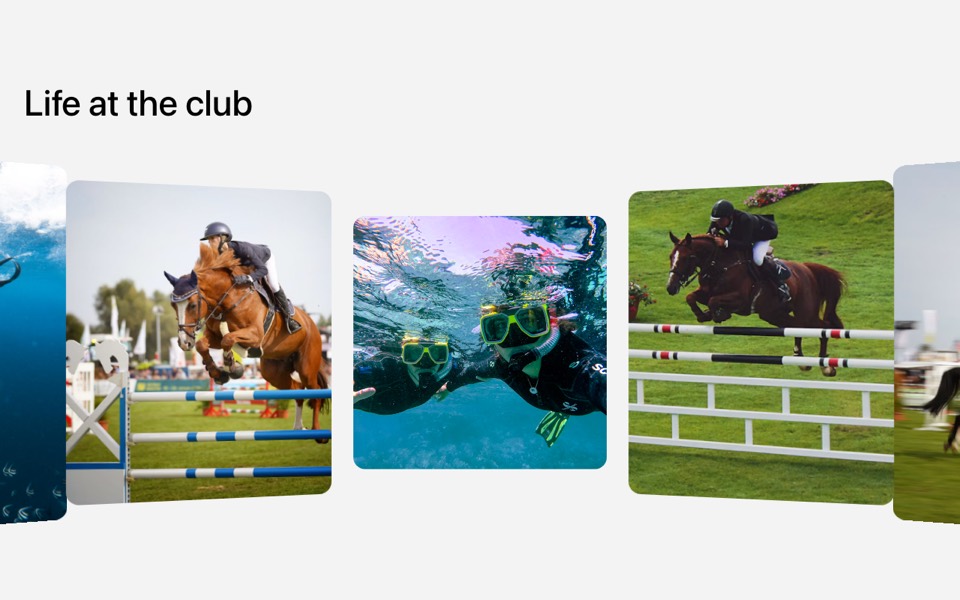
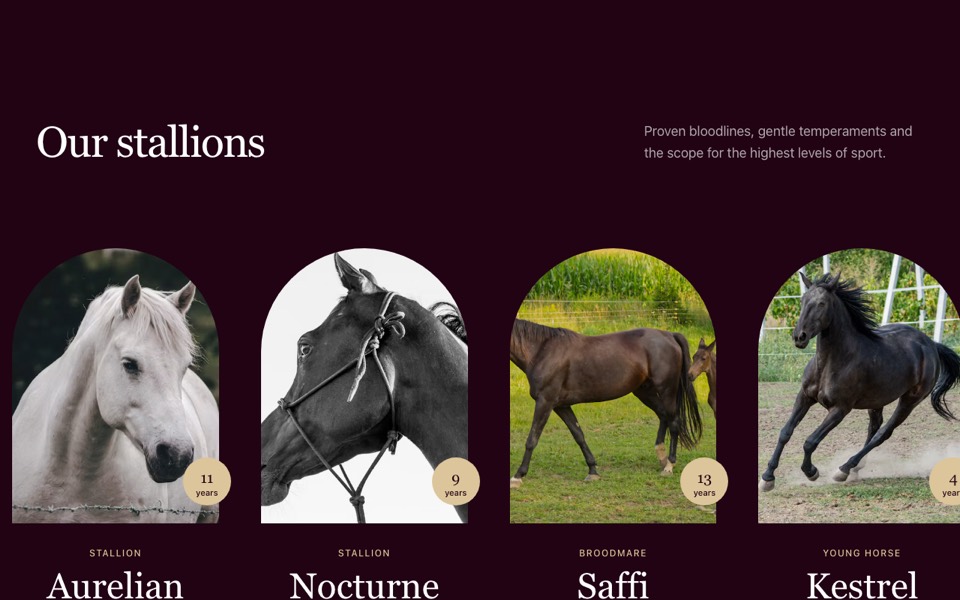
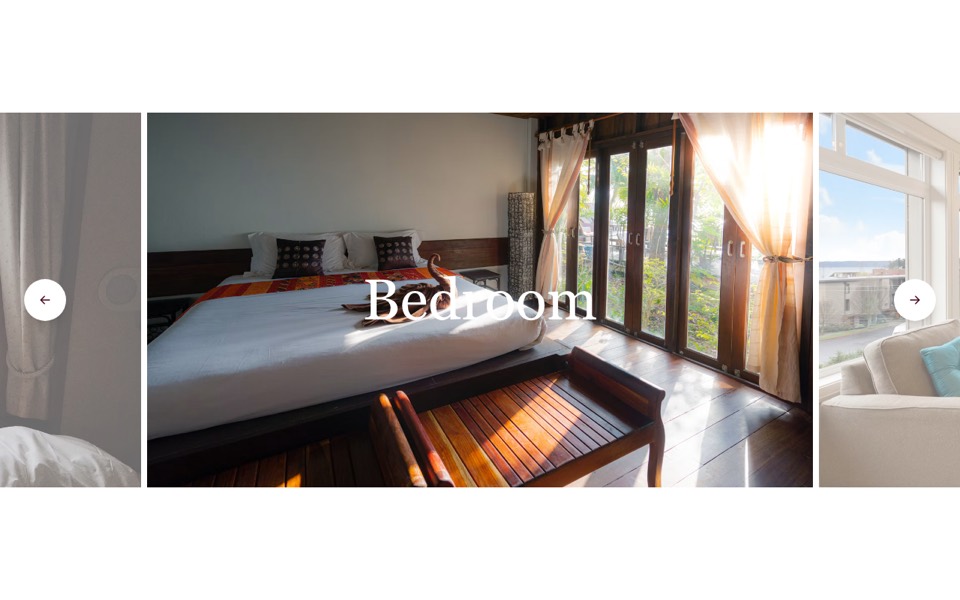
A large photo with a smaller preview of the next one, round prev/next buttons and a caption. React and Tailwind CSS, no dependencies.
GalleryWithNextPreview.tsx
"use client";

// Feature gallery: a large photo plus a smaller preview of the next one (click
// it to advance), with round prev/next buttons and a short caption.
// Pure Tailwind + React, no dependencies. Works with Tailwind v3 and v4.

import { useState } from "react";

type Props = {
  heading?: string;
  text?: string;
  images?: { src: string; alt: string }[];
};

const img = (id: string) => `https://images.unsplash.com/photo-${id}?w=1200&q=80&auto=format&fit=crop`;

const DEFAULT_IMAGES = [
  { src: img("1574695272842-52dfdb7989d0"), alt: "Show jumping" },
  { src: img("1658298208155-ab71765747a1"), alt: "Free diving" },
  { src: img("1664922114319-4700c0ef74b1"), alt: "Snorkelling" },
  { src: img("1605281317010-fe5ffe798166"), alt: "Motor boat at speed" },
];

const Arrow = ({ flip = false }: { flip?: boolean }) => (
  <svg viewBox="0 0 24 24" fill="none" stroke="currentColor" strokeWidth={1.75} strokeLinecap="round" aria-hidden className={`h-5 w-5 ${flip ? "rotate-180" : ""}`}>
    <path d="M5 12h14M13 6l6 6-6 6" />
  </svg>
);

export default function PreviewGallery({
  heading = "Train with the best",
  text = "Small groups, video analysis and coaches who have played at the highest level.",
  images = DEFAULT_IMAGES,
}: Props) {
  const [index, setIndex] = useState(0);
  const count = images.length;
  const go = (step: number) => setIndex((i) => (i + step + count) % count);

  const layer = (active: number) =>
    images.map((image, i) => (
      <img key={image.src} src={image.src} alt={i === active ? image.alt : ""} aria-hidden={i !== active} className={`absolute inset-0 h-full w-full object-cover transition-opacity duration-700 ${i === active ? "opacity-100" : "opacity-0"}`} />
    ));

  const button = "grid h-14 w-14 place-items-center rounded-full border border-black/15 bg-white transition-colors hover:bg-black hover:text-white md:h-16 md:w-16";

  return (
    <section className="bg-[#f3f3f3] px-4 py-20 font-['Inter',ui-sans-serif,system-ui,sans-serif] text-black antialiased md:px-8 md:py-28 lg:px-12">
      <div className="mx-auto grid max-w-7xl gap-12 lg:grid-cols-[1fr_1.4fr] lg:items-center">
        <h2 className="text-4xl font-medium md:text-6xl">{heading}</h2>

        <div className="grid grid-cols-[322fr_206fr] gap-x-6 gap-y-8 md:gap-x-16">
          <div className="relative aspect-[322/258] overflow-hidden rounded-2xl bg-[#d9d9d9]">{layer(index)}</div>
          <button type="button" onClick={() => go(1)} aria-label="Next photo" className="group relative aspect-[206/165] self-start overflow-hidden rounded-2xl bg-[#d9d9d9]">
            {layer((index + 1) % count)}
            <span className="absolute inset-0 bg-black/0 transition-colors duration-300 group-hover:bg-black/15" />
          </button>
          <p className="max-w-[20rem] text-sm text-[#404040] md:mt-3 md:text-base">{text}</p>
          <div className="flex gap-3 md:gap-5">
            <button type="button" onClick={() => go(-1)} aria-label="Previous photo" className={button}>
              <Arrow flip />
            </button>
            <button type="button" onClick={() => go(1)} aria-label="Next photo" className={button}>
              <Arrow />
            </button>
          </div>
        </div>
      </div>
    </section>
  );
}
How to use it
- Make sure your Next.js or React project has Tailwind CSS set up (v3 or v4 both work).
- Create
components/GalleryWithNextPreview.tsxand paste the code. - Import it into a page and replace the sample text and images with your own.