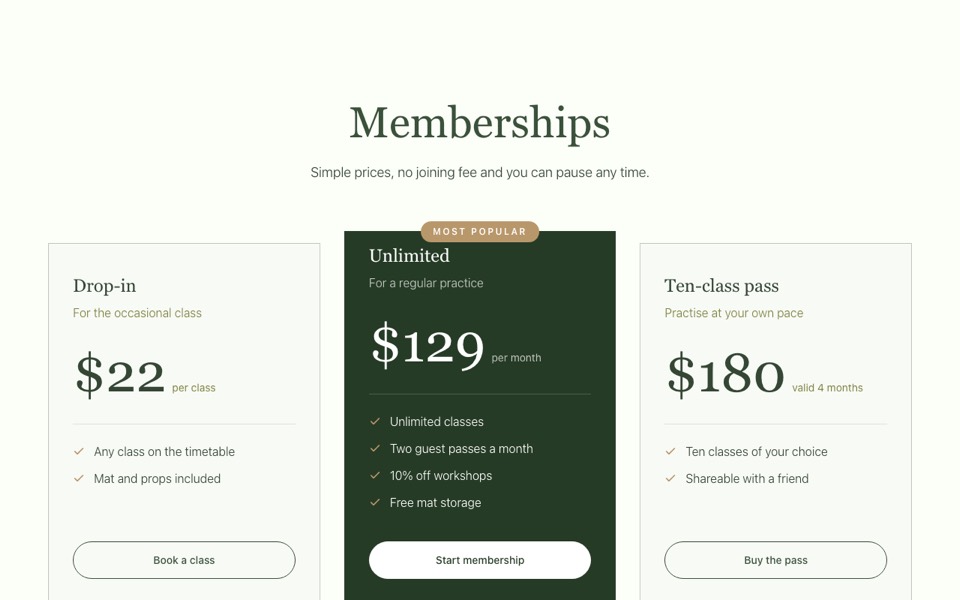
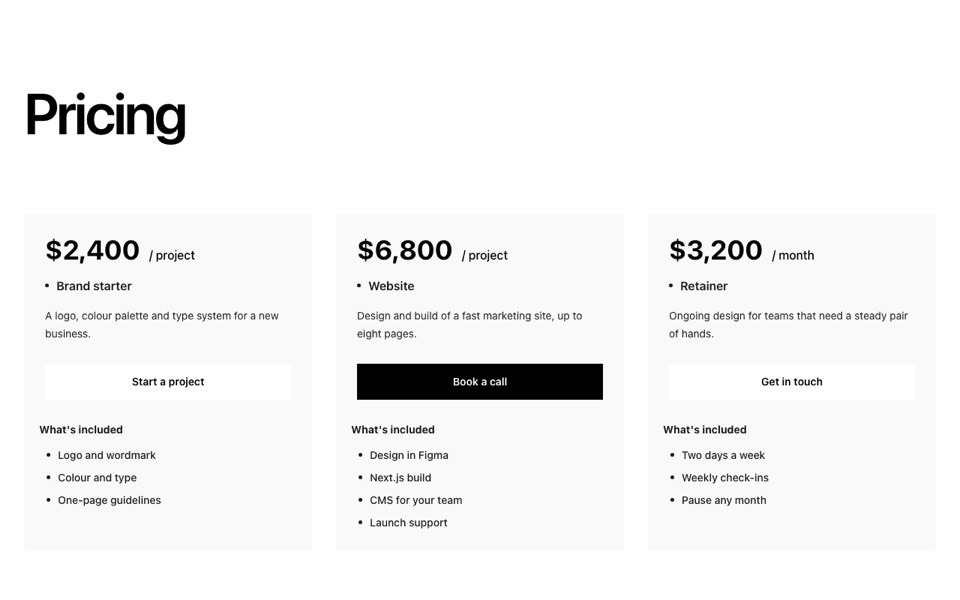
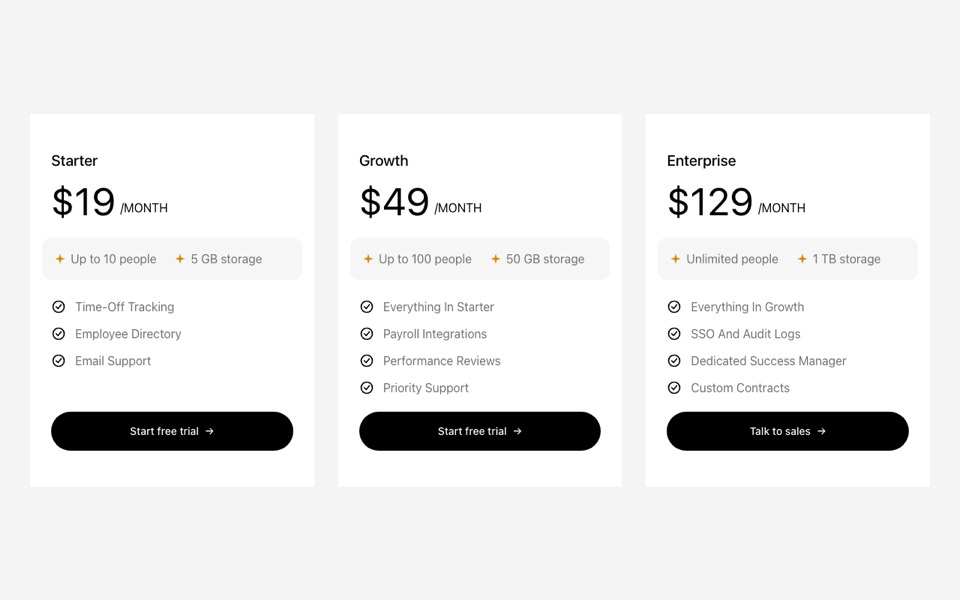
Pricing packages as hairline columns where the featured one becomes a forest-green card with a yellow label. React and Tailwind CSS.
HairlinePackages.tsx
// Packages as hairline columns; the featured one becomes a forest-green card
// with a yellow label. Pure Tailwind, no dependencies. Works with Tailwind v3 and v4.

type Package = { name: string; price: string; description: string; features: string[]; cta: string; href?: string; featured?: boolean };

type Props = {
  eyebrow?: string;
  heading?: string;
  intro?: string;
  packages?: Package[];
  featuredLabel?: string;
  note?: string;
};

const DEFAULT_PACKAGES: Package[] = [
  { name: "Day-of", price: "From $2,400", description: "We take over in the final month so you can enjoy the build-up.", features: ["Final month planning", "Timeline and run sheet", "On-the-day coordinator"], cta: "Enquire" },
  { name: "Full planning", price: "From $7,800", description: "Everything from the first venue visit to the last dance.", features: ["Venue and supplier search", "Budget management", "Design and styling", "Two coordinators on the day"], cta: "Enquire", featured: true },
  { name: "Destination", price: "From $11,500", description: "Weddings abroad, with travel and guest logistics handled.", features: ["Location scouting trip", "Guest travel and stays", "Local supplier team"], cta: "Enquire" },
];

const ARROW = "→";

export default function HairlinePackages({
  eyebrow = "Packages",
  heading = "Planning, your way",
  intro = "Three ways to work with us, each one tailored after our first conversation.",
  packages = DEFAULT_PACKAGES,
  featuredLabel = "Most booked",
  note = "Every package includes a free first consultation and a written proposal.",
}: Props) {
  return (
    <section className="bg-[#F5F4EC] px-5 py-24 font-['Manrope',ui-sans-serif,system-ui,sans-serif] text-[#2F3D2C] antialiased md:px-10 md:py-40">
      <div className="mx-auto max-w-7xl">
        <div className="mx-auto mb-14 max-w-2xl text-center md:mb-20">
          <p className="mb-5 text-xs font-semibold uppercase tracking-[0.2em] text-[#5D7462]">{eyebrow}</p>
          <h2 className="font-['Instrument_Serif',Georgia,serif] text-[clamp(2.75rem,5.5vw,5rem)] leading-none">{heading}</h2>
          <p className="mt-5 text-lg opacity-75">{intro}</p>
        </div>

        <ul className="grid items-stretch gap-6 lg:grid-cols-3">
          {packages.map((pkg, i) => {
            const f = !!pkg.featured;
            return (
              <li key={pkg.name} className={`relative flex flex-col p-8 md:p-10 ${f ? "bg-[#2F3D2C] text-[#F5F4EC]" : "border border-[#2F3D2C]/15"}`}>
                <div className="flex min-h-7 items-center justify-between gap-4">
                  <span className="text-xs font-semibold uppercase tracking-[0.18em] opacity-75">{String(i + 1).padStart(2, "0")}</span>
                  {f && featuredLabel && <span className="bg-[#F5D86A] px-3 py-1 text-xs font-semibold uppercase tracking-[0.18em] text-[#2F3D2C]">{featuredLabel}</span>}
                </div>
                <h3 className="mt-10 font-['Instrument_Serif',Georgia,serif] text-4xl">{pkg.name}</h3>
                <p className="mt-3 text-xs font-semibold uppercase tracking-[0.18em] opacity-75">{pkg.price}</p>
                <p className="mt-6 leading-relaxed opacity-75">{pkg.description}</p>
                <ul className="mt-8 border-t border-current/15">
                  {pkg.features.map((feature) => (
                    <li key={feature} className="border-b border-current/15 py-3.5 text-sm leading-relaxed">
                      {feature}
                    </li>
                  ))}
                </ul>
                <div className="mt-auto pt-10">
                  <a
                    href={pkg.href ?? "#"}
                    className={`flex w-full items-center justify-between px-6 py-4 text-sm font-semibold transition-colors ${f ? "bg-[#F5D86A] text-[#2F3D2C] hover:bg-white" : "border border-[#2F3D2C] hover:bg-[#2F3D2C] hover:text-[#F5F4EC]"}`}
                  >
                    {pkg.cta}
                    <span aria-hidden>{ARROW}</span>
                  </a>
                </div>
              </li>
            );
          })}
        </ul>

        {note && <p className="mx-auto mt-10 max-w-lg text-center text-sm leading-relaxed opacity-75">{note}</p>}
      </div>
    </section>
  );
}
How to use it
- Make sure your Next.js or React project has Tailwind CSS set up (v3 or v4 both work).
- Create
components/HairlinePackages.tsxand paste the code. - Import it into a page and replace the sample text and images with your own.