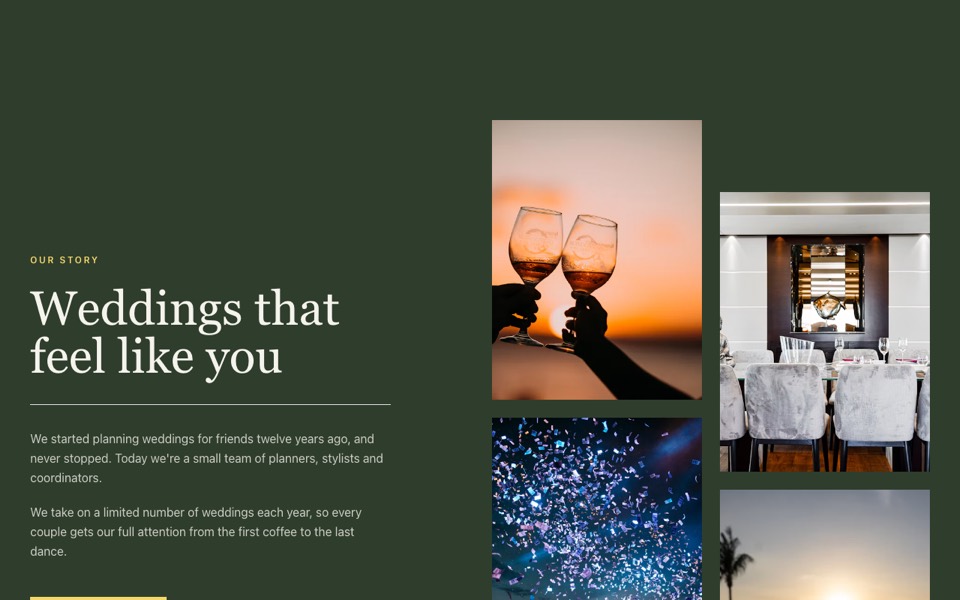
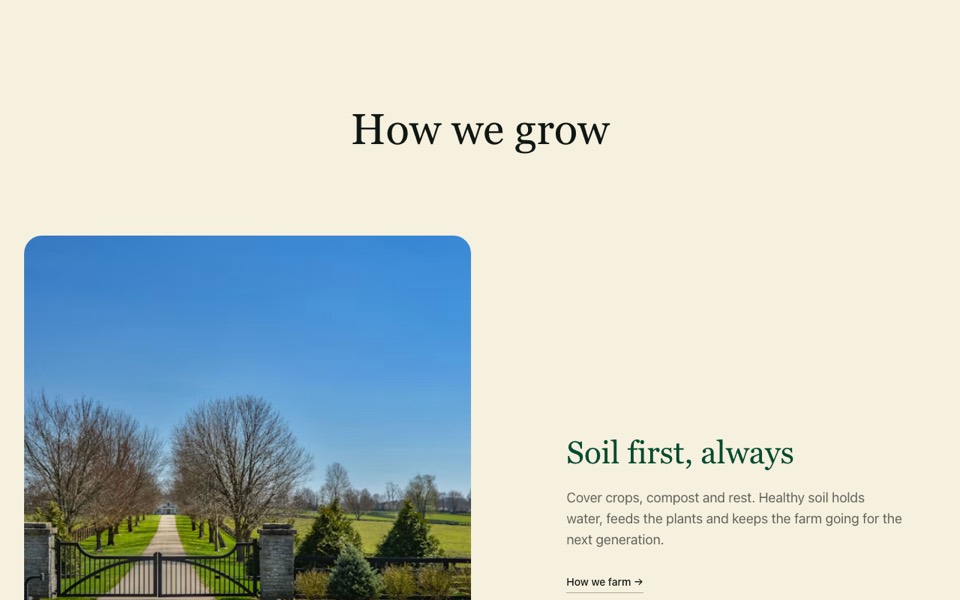
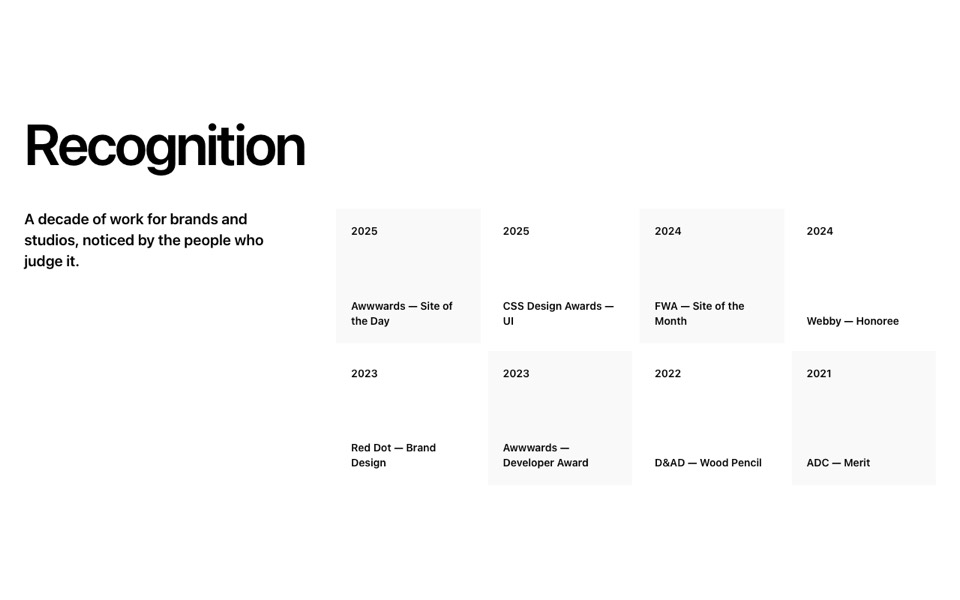
Numbered services in a hairline 2×2 grid with a tall photo running to the screen edge. React and Tailwind CSS, no dependencies.
ServicesWithTallPhoto.tsx
// Numbered services in a 2×2 grid on hairlines, with a tall photo running to
// the right edge of the screen. Pure Tailwind, no dependencies. Works with Tailwind v3 and v4.

type Service = { title: string; text: string };

type Props = {
  eyebrow?: string;
  services?: Service[];
  image?: string;
  imageAlt?: string;
};

const DEFAULT_SERVICES: Service[] = [
  { title: "Planning", text: "Venues, suppliers and budgets, organised and tracked in one shared plan." },
  { title: "Design", text: "A look that feels like you, from invitations to the table settings." },
  { title: "Coordination", text: "Our team runs the day so you and your family can simply enjoy it." },
  { title: "Guest care", text: "Travel, stays and welcome bags for guests coming from afar." },
];

export default function ServicesTallPhoto({
  eyebrow = "What we do",
  services = DEFAULT_SERVICES,
  image = "https://images.unsplash.com/photo-1517457373958-b7bdd4587205?w=1400&q=80&auto=format&fit=crop",
  imageAlt = "Guests celebrating under string lights",
}: Props) {
  return (
    <section className="bg-[#F5F4EC] py-24 font-['Manrope',ui-sans-serif,system-ui,sans-serif] text-[#2F3D2C] antialiased md:py-40">
      <div className="grid items-center gap-14 lg:grid-cols-12 lg:gap-0">
        <div className="mx-auto w-full max-w-7xl px-5 md:px-10 lg:col-span-7 lg:max-w-none lg:pl-[max(2.5rem,calc((100vw-80rem)/2+2.5rem))] lg:pr-16">
          <p className="mb-10 text-xs font-semibold uppercase tracking-[0.2em] text-[#5D7462]">{eyebrow}</p>
          <ol className="grid gap-x-8 gap-y-12 sm:grid-cols-2">
            {services.map((s, i) => (
              <li key={s.title} className="border-t border-current/15 pt-5">
                <span className="text-xs font-semibold uppercase tracking-[0.18em] opacity-75">{String(i + 1).padStart(2, "0")}</span>
                <h3 className="mt-4 font-['Instrument_Serif',Georgia,serif] text-4xl">{s.title}</h3>
                <p className="mt-3 leading-relaxed opacity-75">{s.text}</p>
              </li>
            ))}
          </ol>
        </div>
        <div className="relative mx-5 aspect-[4/5] overflow-hidden bg-[#2F3D2C]/10 md:mx-10 lg:col-span-5 lg:mx-0 lg:aspect-auto lg:h-[50rem]">
          <img src={image} alt={imageAlt} loading="lazy" className="absolute inset-0 h-full w-full object-cover" />
        </div>
      </div>
    </section>
  );
}
How to use it
- Make sure your Next.js or React project has Tailwind CSS set up (v3 or v4 both work).
- Create
components/ServicesWithTallPhoto.tsxand paste the code. - Import it into a page and replace the sample text and images with your own.